When it comes to choosing the right productivity and project management tool, Airtable vs Asana is a comparison many teams and individuals face. Both platforms offer powerful ways to organize work, collaborate, and track progress, but they cater to different workflows and user needs. This guide dives deep into how Airtable’s flexible database approach stacks up against Asana’s task-focused project management.
Whether you’re managing complex projects, streamlining team communication, or automating workflows, understanding the strengths and limitations of each tool is crucial. In this comprehensive comparison, we’ll break down key features, user experience, pricing, integrations, and more—equipping you to choose the best solution tailored to your productivity goals.
Keep reading to discover which platform aligns with your workflow and helps your team achieve more with less friction.
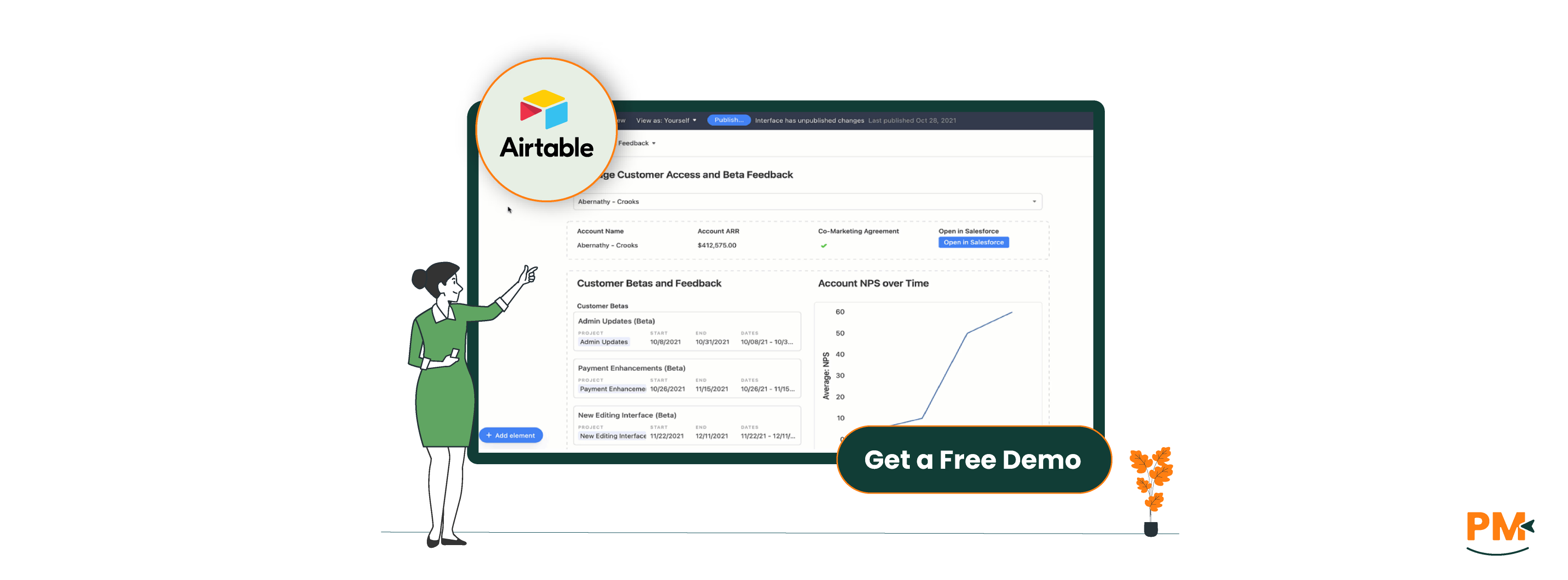
Airtable is a versatile cloud-based platform that combines the simplicity of spreadsheets with the power of a database. Its core purpose is to help individuals and teams organize, collaborate, and manage data in highly customizable ways. Unlike traditional project management tools, Airtable’s spreadsheet-database hybrid lets users create relational databases with ease, allowing complex data to be structured intuitively.
Key features include multiple flexible views—grid, calendar, kanban, gallery—and robust automation capabilities that streamline repetitive tasks without coding. Airtable also supports rich field types, attachment handling, and extensive integrations, making it adaptable across industries.
Typical use cases span from creative teams managing content calendars, marketing campaigns, and product inventories, to startups and enterprises needing dynamic databases that evolve with their workflows. Airtable’s target audience often includes users who value flexibility and customization over rigid project structures.
Airtable Pros And Cons
Pros | Cons |
Combines spreadsheet familiarity with database power for advanced data management Strong automation features to reduce manual work and improve efficiency Collaboration tools including real-time commenting and permissions control | Collaboration tools including real-time commenting and permissions control Can become complex and overwhelming for simple task management needs |
Asana is a leading project and task management platform designed to help teams plan, track, and execute work efficiently. Its core functionality centers around organizing tasks, projects, and workflows to improve team productivity and visibility.
Key features include task lists, timelines for project scheduling, boards for agile workflows, and customizable dashboards. Asana also offers built-in automation rules and integrates seamlessly with tools like Microsoft Teams, Slack, and Google Drive, making it a hub for coordinated teamwork.
Ideal for project managers, marketing teams, product developers, and cross-functional teams, Asana is built to support both simple task tracking and complex project planning. Its user-friendly interface and collaborative features empower teams to maintain alignment and meet deadlines consistently.
Asana Pros And Cons
Pros | Cons |
Intuitive task and project organization with multiple views Robust automation and workflow customization without coding Clear deadline tracking and workload management for team efficiency | Complex projects can become cluttered without disciplined organization Some users report notification overload without fine-tuning settings |
Airtable
Airtable approaches task management through its highly customizable databases, allowing users to create tailored workflows that fit unique project needs. Tasks can be tracked using various views—grid, kanban, calendar, or gallery—giving teams flexibility to visualize work their way. Airtable’s automation features enable users to set triggers and actions, such as notifications or status updates, without coding, streamlining repetitive steps.
Recent updates have enhanced Airtable’s automation builder and introduced more intuitive scripting blocks, expanding workflow possibilities. However, task dependencies are less explicit than in traditional project management tools, requiring creative structuring within tables. Overall, Airtable excels in adapting workflows for teams that need flexible data-driven task management but may require some setup effort.
Asana
Asana is built with task and workflow management at its core, offering structured features such as task assignment, due dates, subtasks, and dependencies. Its timeline view helps visualize project schedules, showing how tasks connect and overlap, while workload views provide managers with insights into team capacity and task distribution.
The platform supports automations like rule-based triggers and integrations that optimize workflow flow and reduce manual follow-ups. Asana’s user interface is designed for ease of use, making complex workflows more manageable with clear status tracking and notifications. Recent feature improvements focus on enhancing dependency tracking and workload balancing, ensuring practical, scalable project oversight.
Airtable
Airtable offers multiple support channels, including a comprehensive online Help Center filled with guides and tutorials. Users can access an active Community Forum to share ideas and troubleshoot collaboratively. Email support is available across plans, while chat support is typically reserved for enterprise customers. Airtable also provides regular webinars and a knowledge base to assist users in maximizing the platform’s capabilities.
Response times vary depending on subscription level, with premium users generally receiving faster support. Overall, Airtable emphasizes self-service resources complemented by direct assistance for higher-tier customers.
Asana
Asana provides tiered customer support based on subscription plans. Free and Basic users have access to an extensive self-help resource library and community forums. Paid plans unlock priority email support, while Business and Enterprise tiers receive faster response times and dedicated support options, including chat for urgent issues.
The company maintains clear SLAs (service-level agreements) for response times, especially for enterprise clients, ensuring reliable assistance. Asana’s focus on user education is evident through webinars, training programs, and a detailed knowledge base, supporting users at all levels to resolve issues independently when possible.
Airtable
Airtable excels at real-time collaboration by allowing multiple users to simultaneously edit bases with instant updates. It offers granular sharing options, letting admins control access with role-based permissions—ranging from read-only to full editing rights. Comment threads on records enable contextual discussions, keeping feedback tied directly to relevant data.
Airtable’s collaboration features are especially valuable for teams that require flexible, data-centric workflows, such as creative agencies and product teams. However, smaller teams may find the permission settings more complex than simpler task-based platforms.
Asana
Asana is designed with teamwork in mind, offering robust collaboration tools such as task comments, @mentions, and project conversations that keep communication centralized. Its advanced notification system ensures team members stay informed without getting overwhelmed, with options to customize alerts by project or task.
Asana’s extensive integrations with Slack, Microsoft Teams, and email enhance synchronous and asynchronous collaboration, making it a strong fit for teams of all sizes—from startups to large enterprises. The platform’s emphasis on clear roles and accountability supports structured teamwork and accountability.
Airtable
Airtable is accessible via web browsers, dedicated desktop apps (Windows and macOS), and mobile apps on iOS and Android. It provides smooth syncing across devices, ensuring changes are reflected almost instantly.
While Airtable offers basic offline capabilities on mobile—allowing users to view and edit records without internet access—some features require connectivity for full functionality. The platform’s cross-device consistency supports remote and hybrid teams managing complex data on the go.
Asana
Asana offers broad crossplatform support with a responsive web app, native desktop applications for Windows and macOS, and mobile apps for iOS and Android. Its syncing is reliable, providing near real-time updates across devices.
Offline mode on mobile allows users to view tasks and make edits that sync once back online, enabling uninterrupted productivity. Asana’s crossplatform reliability suits teams working across locations and devices, ensuring seamless task management anywhere.
Airtable
Airtable’s user interface is powerful but can feel complex, especially for new users without database experience. The combination of spreadsheet-like grids with relational database features offers deep customization but comes with a steeper learning curve. Users must invest time to master views, linked records, and automation setups.
That said, Airtable provides helpful templates and onboarding guides that ease the initial learning process. Its UI is clean and modern, offering flexibility but requiring some familiarity to unlock its full potential.
Asana
Asana is widely praised for its intuitive, user-friendly interface designed for quick adoption. Task and project management elements are clearly laid out, enabling users to get started with minimal training. Onboarding flows, tooltips, and in-app guides support new users effectively.
Feedback from users highlights Asana’s balance between simplicity and feature depth, making it accessible for individuals and teams alike. Its UI focuses on clear task visibility and collaboration, reducing friction in daily workflows.
Airtable
Airtable does not offer native time tracking features but supports integrations with popular time tracking tools like Toggl, Harvest, and Clockify through Zapier or direct API connections. This approach allows users to embed time tracking into their customized workflows but requires additional setup and external apps for accurate logging and reporting.
Asana
Asana also lacks built-in time tracking but integrates seamlessly with leading third-party tools such as Harvest, Toggl, and Everhour. These integrations enable users to track time directly on tasks, with synced data accessible within Asana’s interface.
Many teams rely on these add-ons for comprehensive time management, benefiting from the ecosystem’s maturity and ease of connecting time tracking with task progress.
Airtable
Airtable supports rich documentation within records, allowing users to add detailed notes, attach files, and use rich text fields. This makes it well-suited for projects requiring structured data alongside descriptive content.
Its ability to link records and embed attachments helps maintain organized, context-rich documentation that evolves dynamically with the project.
Asana
Asana offers robust documentation tools within tasks and projects, including detailed task descriptions, project briefs, and file attachments. It supports rich formatting to help clarify objectives and progress. While not designed as a full-fledged knowledge base, Asana’s documentation features work well for teams needing concise, task-related notes and collaborative updates in one place.
For projects emphasizing structured, relational data and flexible note-taking, Airtable is stronger, while Asana excels for straightforward task-centric documentation.

Airtable Pricing
Airtable offers flexible pricing options for organizations, including:
- Free - $0/seat/month
- Team - $24/seat/month
- Business - $54/seat/month
- Enterprise Scale - Custom pricing
Asana Pricing
The software includes following pricing plans:
- Personal - $0/user/month
- Starter - $30.49/user/month
- Advanced - $13.49/user/month
- Enterprise – Cutom pricing
Airtable is ideal for teams and individuals who need a highly flexible, customizable platform that goes beyond traditional project management.
Best Suited For:
- Creative professionals
- Marketers
- Product managers
- Startups
Why Airtable?
- Manages complex, diverse data (content calendars, inventories, CRM data)
- Acts as a spreadsheet-database hybrid for linking records across projects
- Offers unmatched versatility for organizing different data types
- Appeals to users comfortable with technical setup and customization
- Perfect for workflows requiring tailored, dynamic databases
Who Is Asana Best For?
Asana shines for teams focused primarily on task and project management with clear timelines and collaborative workflows.
Best Suited For:
- Project managers
- Marketing teams
- Product development groups
- Cross-functional teams
Why Asana?
- User-friendly, intuitive interface
- Robust collaboration features
- Strong automation capabilities
- Ideal for tracking tasks, deadlines, and dependencies efficiently
- Great for organizations wanting to streamline project delivery without complex database management
Which One May Suit Your Needs Better?
When deciding between Airtable vs Asana, consider your team’s workflow and project complexity. Airtable excels if you need a customizable, data-rich environment where flexible database management is key. It’s perfect for managing multifaceted projects that require detailed data relationships and tailored views.
On the other hand, Asana is preferable for teams seeking straightforward task management with powerful collaboration tools and timeline visibility. It offers an intuitive experience focused on productivity and project tracking.
Ultimately, the best choice depends on whether your priority is deep data organization (Airtable) or streamlined task and project coordination (Asana).