When choosing the right productivity and project management tool, two names consistently stand out: Anytype and Notion. Both have earned their place as top-tier solutions for teams seeking efficient workflows, but which one truly meets your needs? In this comprehensive comparison of Anytype vs. Notion, we’ll explore the strengths and unique features of each tool to help you make an informed decision.
Whether you're a startup looking for flexibility or an established team needing structured collaboration, both platforms offer distinct advantages. Anytype emphasizes privacy and decentralization, while Notion thrives on its highly customizable workspace and extensive integrations. But how do they stack up when it comes to ease of use, scalability, and overall productivity?
This guide will break down each tool’s features, strengths, and potential drawbacks to help you determine which is the best fit for your team’s goals.
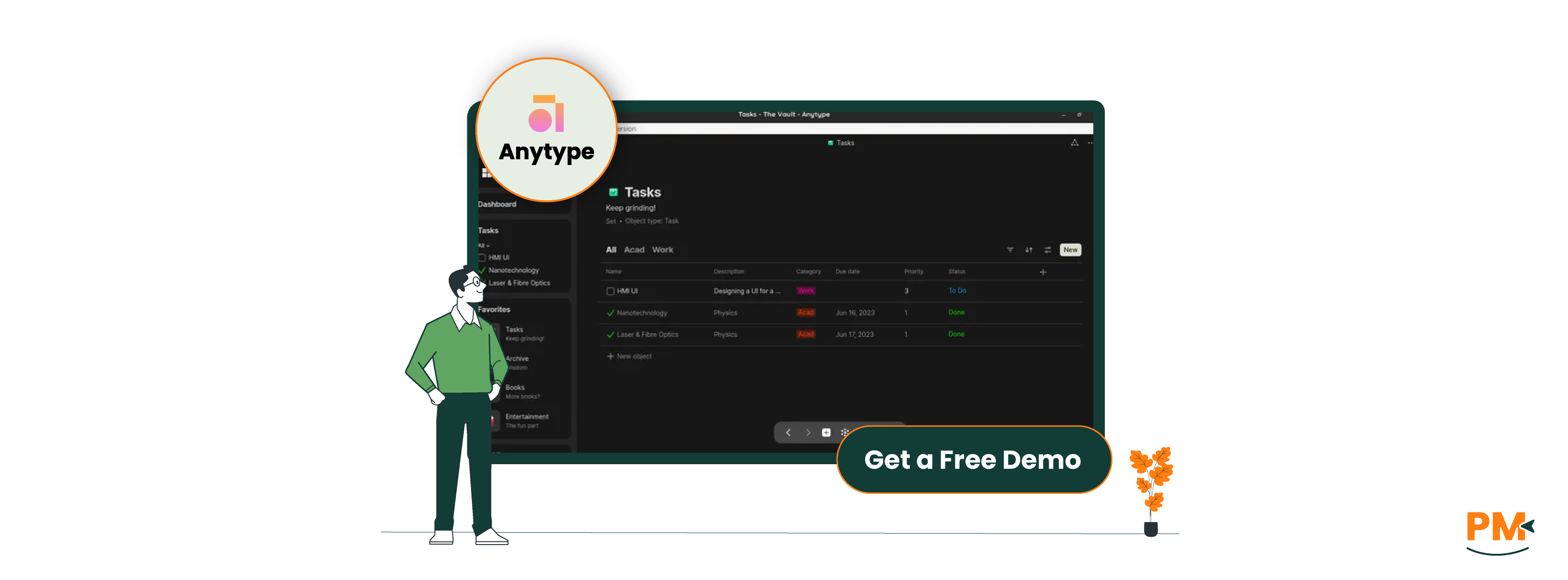
Anytype is a privacy-first, offline-first productivity tool designed to give users full control over their data and digital workspace. Unlike traditional cloud-based platforms, Anytype stores all data locally on your device using a peer-to-peer network and encrypted graph-based architecture. This means your content is fully accessible even without an internet connection—and always under your ownership.
The platform takes a unique approach by combining personal knowledge management with a structured, interlinked data model. Think of it as a local operating system for your ideas, notes, tasks, and projects—without relying on centralized servers. Its no-code interface allows users to create their own content types, relationships, and workflows while maintaining data sovereignty.
Anytype Pros And Cons
Pros | Cons |
Offline-first functionality for uninterrupted access anywhere Graph-based structure enables deep interlinking of ideas and content Custom content types let users tailor their workspace to unique needs | Performance may vary on lower-end devices due to local storage demands Limited real-time collaboration compared to mature cloud platforms |
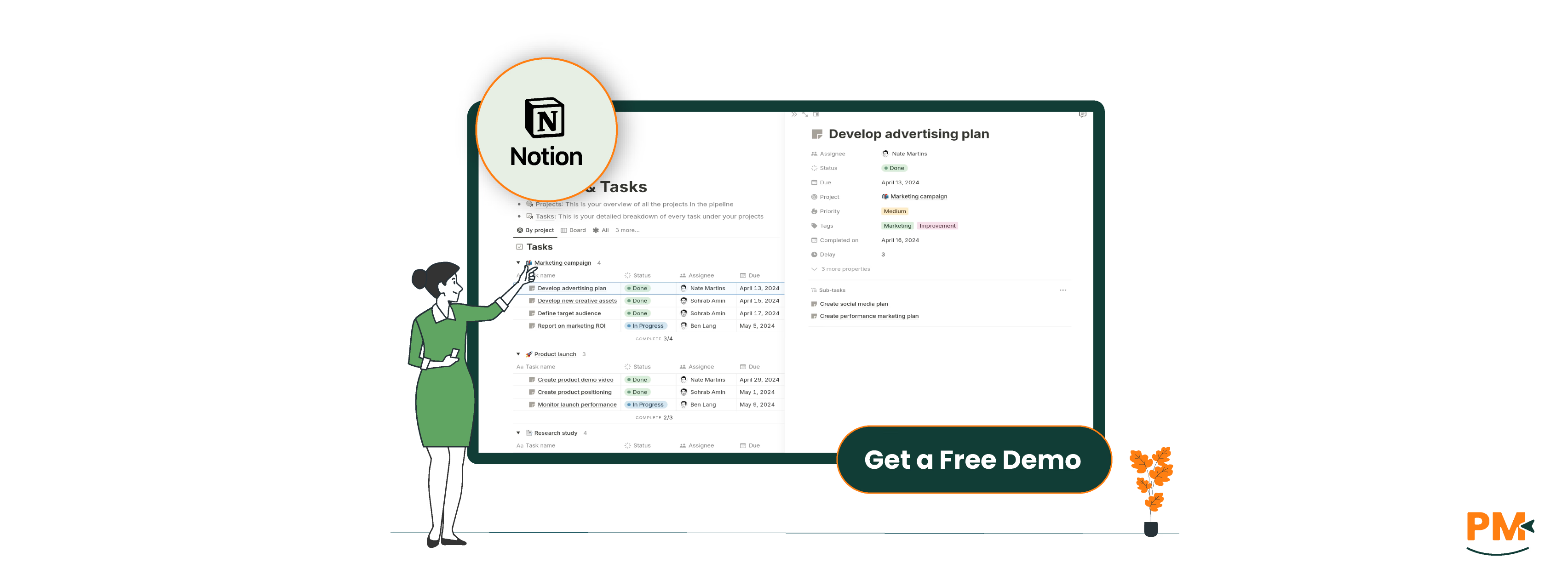
Notion is a modular productivity platform that combines notes, databases, tasks, and wikis into a single, connected workspace. Built around a flexible ‘block’ system, Notion allows users to construct highly customized pages and workflows without needing to write code. It has become a staple tool for remote teams, content managers, and project collaborators who need a centralized space to organize work.
Unlike tools focused on privacy or local storage, Notion operates as a fully cloud-based service with a polished UI and robust collaboration features. It shines in environments where ease of use, shareability, and integrations are key. With a vast template library, real-time editing, and powerful database capabilities, Notion supports everything from project tracking to company knowledge bases.
Notion Pros And Cons
Pros | Cons |
Highly customizable workspace with modular blocks Strong collaboration features including real-time editing and comments Regular updates and active community support | Privacy concerns due to centralized, cloud-only data storage Can become cluttered in large workspaces with complex databases |
Anytype
In Anytype, tasks are managed through a flexible object-based system. Instead of predefined task templates, users create their own ‘Task’ objects with custom properties and relationships—such as due dates, status, and priority. These tasks live within a local knowledge graph, making it easy to interlink them with projects, notes, or people. This decentralized, schema-free approach allows for deeply personalized workflows but requires more setup upfront.
For individuals and freelancers who value autonomy and control, Anytype offers a unique, offline-first environment. However, for teams, the lack of real-time collaboration and shared boards makes it less suited to traditional task coordination—for now.
Notion
Notion handles task management through databases and visual layouts like Kanban boards, calendars, and table views. Tasks can be filtered, grouped, and related to other content—such as meeting notes or project hubs—using linked databases. Notion’s template ecosystem also makes it easy to spin up new workflows for sprints, to-dos, or editorial calendars.
It’s particularly well-suited for teams and remote collaborators thanks to features like real-time updates, status tags, and assigned users. Freelancers and individuals also benefit from its ease of use and drag-and-drop customization.
Anytype
Anytype offers a community-driven support model. Users primarily rely on GitHub issues, the official Discord server, and documentation to troubleshoot problems or request features. Since it's still in an early development phase, the support infrastructure is relatively lightweight and developer-focused.
While the community is active and the core team occasionally steps in, there’s no formal live support or dedicated response team—making it best for tech-savvy users comfortable with self-service help.
Notion
Notion provides a more established support experience with a comprehensive help center, searchable knowledge base, and email/chat support for paying users. The platform also includes onboarding tutorials and an active community forum.
Its customer support is generally responsive and well-documented, particularly for common workflows, integrations, or workspace configuration. This makes Notion more accessible for teams who need predictable support during onboarding, scaling, or troubleshooting.
Anytype
Collaboration in Anytype is currently limited and evolving. It does not support real-time multi-user editing. While a peer-to-peer collaboration model is on the roadmap, it's not yet fully implemented. Users can technically share data between devices or users, but the process is manual and lacks the fluidity expected in team environments.
For now, Anytype is best suited for solo workflows, such as personal knowledge management, journaling, or solo project planning. It’s ideal for individuals who don’t require live updates or multi-user editing.
Notion
Notion excels in real-time collaboration, making it a top choice for teams of all sizes. Features like shared workspaces, granular permissions, comment threads, team templates, and activity logs help ensure transparency and coordination.
Users can co-edit documents, assign tasks, and track changes effortlessly, making it highly effective for distributed teams, content collaboration, and project planning. Notion’s collaboration tools are mature, reliable, and easy to scale.
Anytype
Anytype is available on macOS, Windows, Linux, Android, and iOS, offering full offline access across all platforms. Instead of syncing through the cloud, Anytype uses a local-first, peer-to-peer sync model, meaning your data lives on your devices and syncs directly between them—encrypted and under your control.
This design prioritizes privacy and ownership but requires users to manually connect their devices for syncing. While this preserves data autonomy, it may feel less seamless when switching devices or working on the go, especially for users accustomed to instant cloud updates.
Notion
Notion supports all major platforms including macOS, Windows, iOS, Android, and all modern web browsers. It’s a cloud-first tool, meaning your data is always synced and accessible from any device, anytime. Whether you’re working on a desktop, switching to a tablet, or checking tasks on your phone, your workspace stays updated in real time.
This constant sync model makes Notion highly mobile-friendly and convenient for teams or individuals who rely on flexibility and fast access across devices. However, it does come with trade-offs in offline reliability and data control.
Anytype
Anytype’s interface is minimalist and distraction-free, but it comes with a notable learning curve. Its graph-based structure and object-oriented system can feel unfamiliar to users coming from linear task apps or traditional note tools. Creating custom content types and linking information requires a mindset shift toward data modeling, which may be more intuitive for developers or knowledge workers.
Onboarding is improving but still relatively barebones. For those willing to invest time upfront, the UI becomes powerful and deeply customizable—but it’s not plug-and-play.
Notion
Notion offers a highly intuitive, polished user experience with a clean layout and drag-and-drop functionality. New users can get started quickly thanks to guided onboarding, rich templates, and familiar UI patterns. Building pages, databases, or boards is fast and doesn’t require technical knowledge.
Its modular block system is easy to understand, making it ideal for non-technical users, teams, and anyone looking for fast results without extensive configuration. Overall, Notion is designed for immediate usability with deep customization available as users grow.
Anytype
Anytype does not include built-in time tracking features. Users can create custom object types such as “Task” or “Time Log” and manually add properties like duration or timestamps, but there’s no automatic tracking or timer functionality. This approach offers flexibility but requires extra setup and lacks real-time accuracy.
For users who need structured time management—like freelancers or billable teams—Anytype's workaround solutions may feel insufficient without third-party integrations, which are currently limited due to its offline-first, privacy-focused design.
Notion
Notion also lacks native time tracking, but its relational databases and third-party integrations make it more adaptable. Users can build custom tables with fields like "Start Time," "End Time," or "Total Hours," and connect those to projects or clients. Additionally, tools like Clockify, Toggl, or Zapier can be integrated for more advanced tracking workflows.
That said, these integrations require setup and may not suit users needing precise, automated timers. Still, for teams that already track time elsewhere or want a centralized view, Notion provides the structure and extensibility to make it work.
Anytype
Anytype excels in knowledge-centric documentation through its graph-based architecture. Every note, document, or project is an object that can be linked to others via relationships, enabling deep, contextual documentation that evolves with your thinking. Its offline-first nature also makes it reliable for journaling, research, or personal knowledge management on the go.
This setup is ideal for creatives, researchers, and developers who want to build a structured, interconnected knowledge base without relying on the cloud. However, it may lack the collaborative ease and multimedia richness that teams often require.
Notion
Notion is a powerhouse for content-rich documentation, offering a flexible system of content blocks—from text and checklists to code snippets, images, and embeds. Users can create dynamic pages and connect them via backlinks or databases, making it great for wikis, SOPs, and meeting notes.
Its strength lies in versatility and team-friendly formatting, making it an excellent fit for product teams, content creators, and cross-functional collaborators who need shared, visually organized documentation that evolves in real time.

Anytype Pricing
Anytype offers the following pricing tiers:
- Explorer - $0
- Builder - $99/year
- Co-Creator - $299 for 3 years
- Builder – Custom pricing
Notion Pricing
Notion’s pricing involves four pricing plans for teams of different sizes:
- Free - $0/member/month
- Plus - $12/member/month
- Business - $24/member/month
- Enterprise – Custom pricing
Perfect For:
- Privacy-focused individuals
- Solo thinkers and knowledge builders
- Developers, researchers, and writers
Why Anytype?
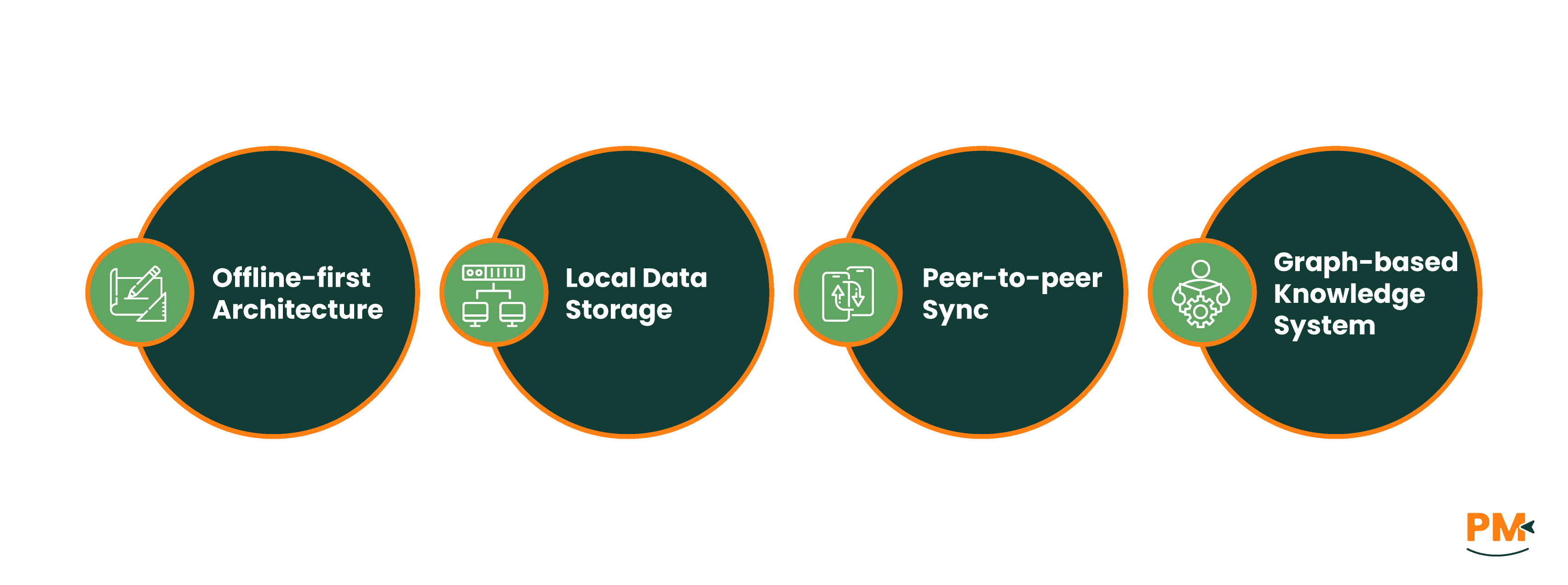
- Offline-first architecture – no need to rely on internet connectivity
- Local data storage – your data stays with you
- Peer-to-peer sync – avoids cloud dependency or vendor lock-in
- Graph-based knowledge system – connect tasks, ideas, and notes like a mind map
If your values include digital sovereignty, self-hosted-style workflows, and long-term resilience, Anytype is a uniquely future-proof alternative to mainstream productivity platforms.
Ideal For:
- Startups & fast-growing teams
- Creative agencies
- Project managers and remote collaborators
Why Notion?
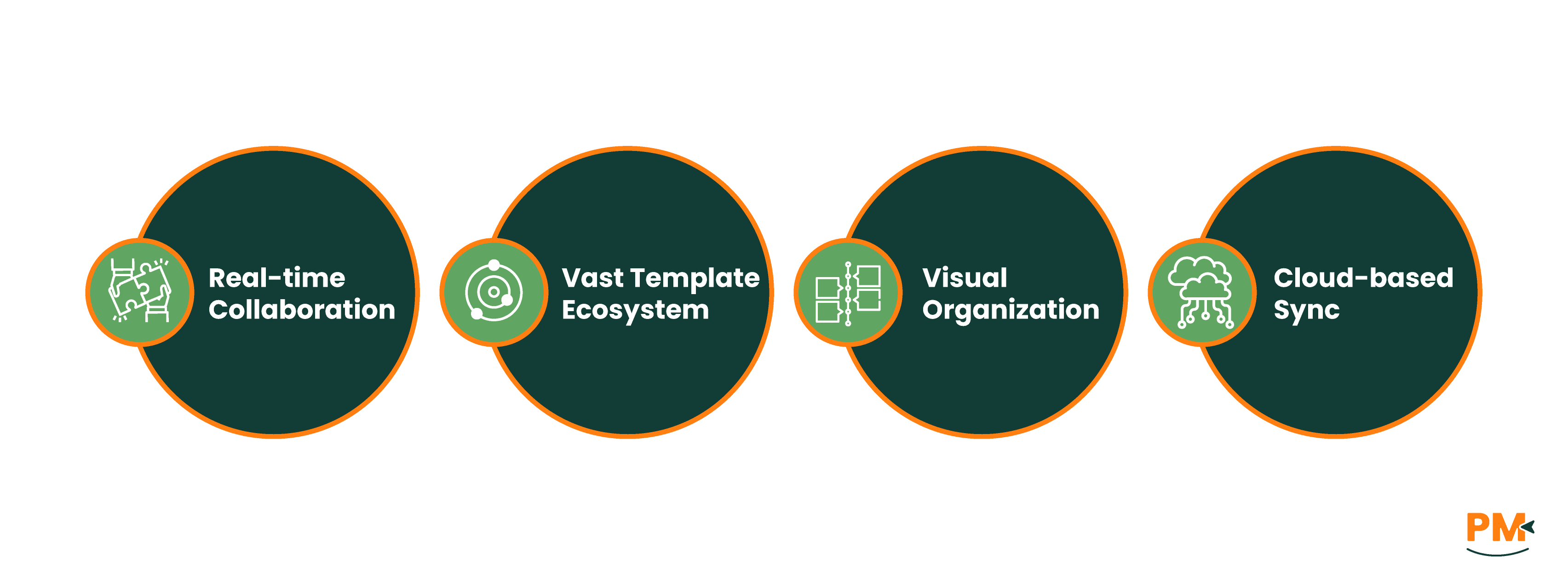
- Real-time collaboration – teams can work together effortlessly
- Vast template ecosystem – quick to launch, easy to scale
- Visual organization – databases, boards, calendars & more
- Cloud-based sync – access your workspace anywhere
Whether you're building a marketing roadmap, managing a team wiki, or running a cross-functional project, Notion provides a streamlined, scalable environment.
When comparing Anytype vs Notion, the right choice ultimately depends on your collaboration needs, privacy values, and preferred workflow style.
If you work independently, value offline access, or prioritize data ownership and privacy, Anytype offers a compelling, no-cost solution grounded in local-first principles. On the other hand, if your day-to-day work involves team coordination, fast-paced collaboration, or building visually rich project hubs, Notion’s cloud-first maturity and integrations make it the more team-friendly option.
There’s no universal winner here—choose Anytype for sovereignty and structured solo workflows, or Notion for polished, scalable team productivity.