

Among the many project management tools available online, Basecamp has emerged as a leading solution. It offers a wide range of features that cover areas such as centralized messaging, scheduling, file sharing, and project tracking. This guide explores Basecamp’s new features, benefits, ideal use cases, and how it competes against popular alternatives.
Basecamp is a cloud-based project management and team collaboration tool that consolidates communication, task tracking, file sharing, and scheduling into a single platform. Since its launch by 37signals, it has evolved into one of the most widely recognized tools for teams seeking a simple and structured way to manage work.
Its modern and user-friendly interface makes it ideal for non-technical users or teams who need to get organized quickly. One of its major differentiators is its ‘everything in one place’ approach, enabling businesses to eliminate the need for multiple solutions.
Following are the key Basecamp features that make it an efficient and easy to adapt tool for project management:

Basecamp allows you to create to-do lists within each project, assign tasks to team members, set due dates, and add relevant notes or files. Users can group tasks by project phase or workstream, and each item includes comment threads for direct collaboration. Additionally, the workforce gets notified when tasks are assigned or updated, which keeps the momentum going without needing constant follow-ups.

Message boards in Basecamp serve as structured, topic-specific spaces for conversations. Unlike cluttered email threads or informal chat messages, these boards are organized by topic, making it easier to revisit past decisions or discussions.

Each Basecamp project comes with a built-in schedule to track key dates, deadlines, events, and milestones. It allows users to assign events to specific team members, add notes or attachments, and receive automatic reminders.

Basecamp offers a centralized space to store, organize, and share documents and files. Each project includes its own storage section where teams can upload files, embed links, and create folders for easy organization. The system supports version control and comments, so updates are always traceable.

The solution provides automatic check-ins, which are recurring prompts that ask team members to share updates. The responses are visible to everyone and reduce the need for daily stand-ups or status meetings. Additionally, these check-ins promote visibility and accountability, particularly for remote teams in different time zones.

Hill Charts are a unique visual tool exclusive to Basecamp that helps teams track project progress beyond linear timelines. This format gives teams an intuitive sense of progress and helps managers identify potential blockers early to ensure smooth operations.
Here are its most practical benefits:
Basecamp collaboration consolidates messaging, tasks, files, and deadlines into one accessible workspace that promotes clarity, reduces information loss, and ensures everyone has access to the same context.
Easy Team Collaboration For Remote And Hybrid Teams
The Basecamp software offers integrated team chat, automatic check‑ins, and advanced visualization tools, making it ideal for distributed teams.
Simplified Project Oversight And Updates
Project managers benefit from concise, intuitive visual tools like Hill Charts. It provides high-level progress indicators without overwhelming detail.
Improved Accountability And Ownership
Basecamp clarifies ownership by assigning tasks, setting due dates, and providing visibility across team members. As a result, users have a better mutual understanding of who is working on what.
Minimal Learning Curve And Intuitive UI
The user-friendly interface allows teams to quickly adopt the solution without requiring expert guidance, enabling them to perform various tasks seamlessly.
Basecamp Vs Other Project Management Tools
- Trello Vs Basecamp: Basecamp includes advanced messaging, file storage, scheduling, and chat along with flat-rate pricing that caters to unlimited users. However, it may not offer customized kanban boards and visual workflows as compared to Trello
- Notion Vs Basecamp: In comparison to Notion, Basecamp offers a faster onboarding experience, making it ideal for non-technical users. Though, some users have identified limited customizations in it for specific workflows
- Asana Vs Basecamp: Basecamp excels over Asana through native chat and file management, fostering smooth collaboration among teams with contractors or remote employees. However, it may not offer advanced AI automations that Asana it highly known for
- Monday Vs Basecamp: Basecamp’s flat pricing eliminates surprises which is a plus over Monday’s charge per seat. However, it may fall short due to lack of features such as built-in time tracking and Gantt charts
- ClickUp Vs Basecamp: Basecamp’s user-friendliness and dedicated client access allows easier client collaboration. ClickUp, however, provides more advanced features like automation, time tracking, and detailed workflow customization.
Who Should Use Basecamp?
The Basecamp project management tool is best suited for teams and organizations that value simplicity, transparency, and built-in communication tools over complex feature sets. It is especially ideal for those who want to get started without weeks of onboarding or heavy customization.
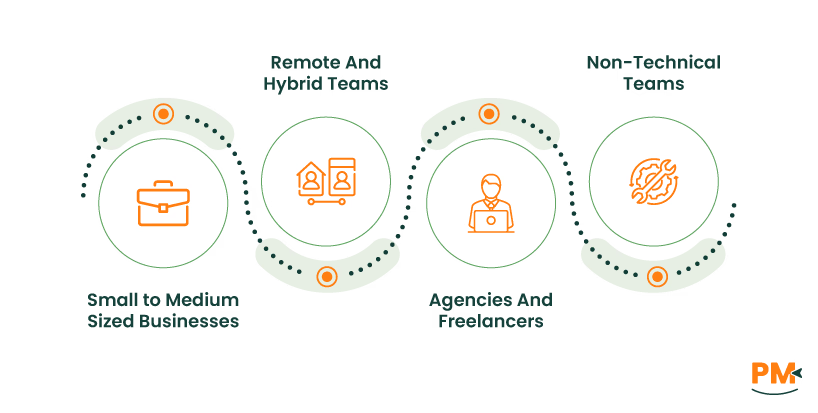
- Small to Medium-Sized Businesses: Basecamp’s intuitive interface and flat-rate pricing model makes it an effective solution for startups, agencies, and growing teams
- Remote And Hybrid Teams: With tools like automatic check-ins, team communication, and centralized project views, Basecamp is optimized for distributed work environments
- Agencies And Freelancers: Project segmentation, client access controls, and easy collaboration make it great for managing multiple clients or contract-based work
- Non-Technical Teams: Teams without dedicated project managers or IT staff will highly benefit from it due to its simplicity and user-friendliness.
Potential Limitations Of Basecamp
For teams with complex needs or looking for deep customization, Basecamp may not fully meet their needs. Here are some of its limitations:
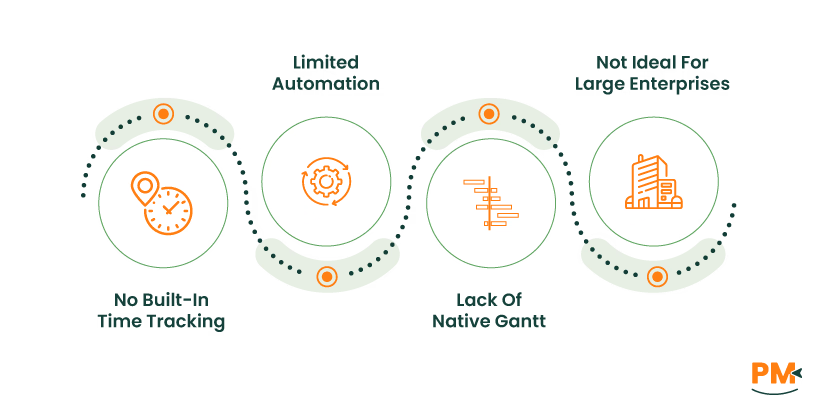
- No Built-In Time Tracking: Teams needing to log billable hours, monitor time spent on tasks, or track productivity may have to rely on third-party tools
- Limited Automation: It does not offer advanced features to auto-assign tasks, create dependencies, or build dynamic workflows for teams with complex requirements
- Lack Of Native Gantt Or Kanban Charts: The solution does not support traditional Gantt charts or Kanban boards for teams needing visual, timeline-based task planning or drag-and-drop workflows
- Not Ideal For Large Enterprises With Complex Needs: Larger organizations that manage interdependent teams, custom fields, or cross-functional workflows may require advanced reporting or integrations that it may be limited with
Integrations And Extensibility
While Basecamp project management stands out for its simplicity and built-in features, some teams may seek advanced visual planning, time tracking, or automation that Basecamp does not offer natively. To address this, Basecamp allows for integrations with leading third-party apps. Below are the notable tools that Basecamp integrates with:
- Zapier: Connects Basecamp with 750+ business apps to automate certain workflows
- Dropbox: Allows to attach or link Dropbox files directly from project dashboards
- Slack: Enables the teams to share team’s activity and workflow directly into Basecamp’s project board
- Zoom: Ensures that meetings are scheduled within Basecamp’s interface
- Calamari: Makes it easy for the users to track individual employee timesheets and manage team leaves
- BrightGauge Software: Enables the businesses to create customized reports to track and monitor key insights on processes
Pricing Overview

The vendor offers straightforward, transparent pricing that sets it apart from most other project management tools. The cost of Basecamp plans is:
Basecamp Free
This plan is completely free and allows the user to run one project at a time. It offers up to one GB of storage space along with an option to upgrade the plan as the needs might grow.
Basecamp Plus
It caters to the needs of freelancers, startups, and smaller teams at a cost of $15/user/month with a free trial for thirty days. Users can run unlimited projects with this plan with a storage capacity of 500 GB. Moreover, users have options to buy timesheets and admin pro pack upgrades if required.
Basecamp Pro Unlimited
It is the top-of-the-line plan, ideal for fast-growing businesses. Users can have the plan for $349/month with a sixty-day free trial. The packages come with five terabytes of storage space, personalized onboarding, and unlimited projects. Also, this plan’s users are provided with priority customer support.
Disclaimer: The pricing is subject to change.
FAQs
Is Basecamp good for project management?
Yes, Basecamp is a specialized tool for project management. It offers all-in-one tools like task lists, scheduling, messaging, and file sharing in a user-friendly interface.
How to use Basecamp for project management?
To use it for project management, create a project space and use various Basecamp tools for task tracking, structured discussions, and deadlines. This will make it easy to assign work, share files, and keep your team aligned.
Is Basecamp secure to use?
Yes. Basecamp uses full HTTPS encryption and performs daily backups across multiple locations to prevent data loss. Moreover, it protects its services with biometric locks and allows access only to authorized personnel.
Can I use Basecamp for free?
Yes, Basecamp offers a free plan called Basecamp Free, which supports one project at a time along with one GB of storage space.
Is Basecamp available in languages other than English?
No, the current version of Basecamp is only available in English. However, it provides the option to post text in multiple languages.
How does Basecamp handle communication?
Basecamp centralizes communication with message boards and automatic Check-ins, keeping all project conversations structured and easy to access.
Does Basecamp provide options to allow the client to view projects?
Yes, Basecamp allows the client to oversee their projects for any updates or monitoring of procedures. It enables users to control and limit access to the clients, ensuring clients contribute to or see only things they want to.
Is Basecamp better than Trello or Asana?
Basecamp is better for teams wanting simplicity, built-in communication, and flat-rate pricing. However, Trello and Asana offer more advanced task automation, dependencies, and visual boards.
What tools can I use with Basecamp?
You can connect apps like Slack, GitHub, Figma, Box, and Salesforce using Basecamp’s Doors feature. For advanced needs like reporting or time tracking, third-party integrations are available, or you can build your own using Basecamp’s API.
What does the Hill Charts feature in Basecamp do?
The Hill Chart visualizes project progress by showing how far along tasks are, from figuring things out to execution. It helps teams see what is stuck, what is moving, and what is done, offering a more intuitive view than traditional to-do lists.