
In the world of productivity tools, Notion and Jira are like two rockstars vying for the spotlight. Notion, the all-in-one workspace darling, charms with its flexibility for notes, projects, and wikis, while Jira, the Agile maestro, dominates software development with laser-focused issue tracking. Whether you’re a creative brainstorming ideas or a coder sprinting through bugs, this showdown unpacks their features, pricing, and vibes to help you pick the perfect stage for your team’s performance.
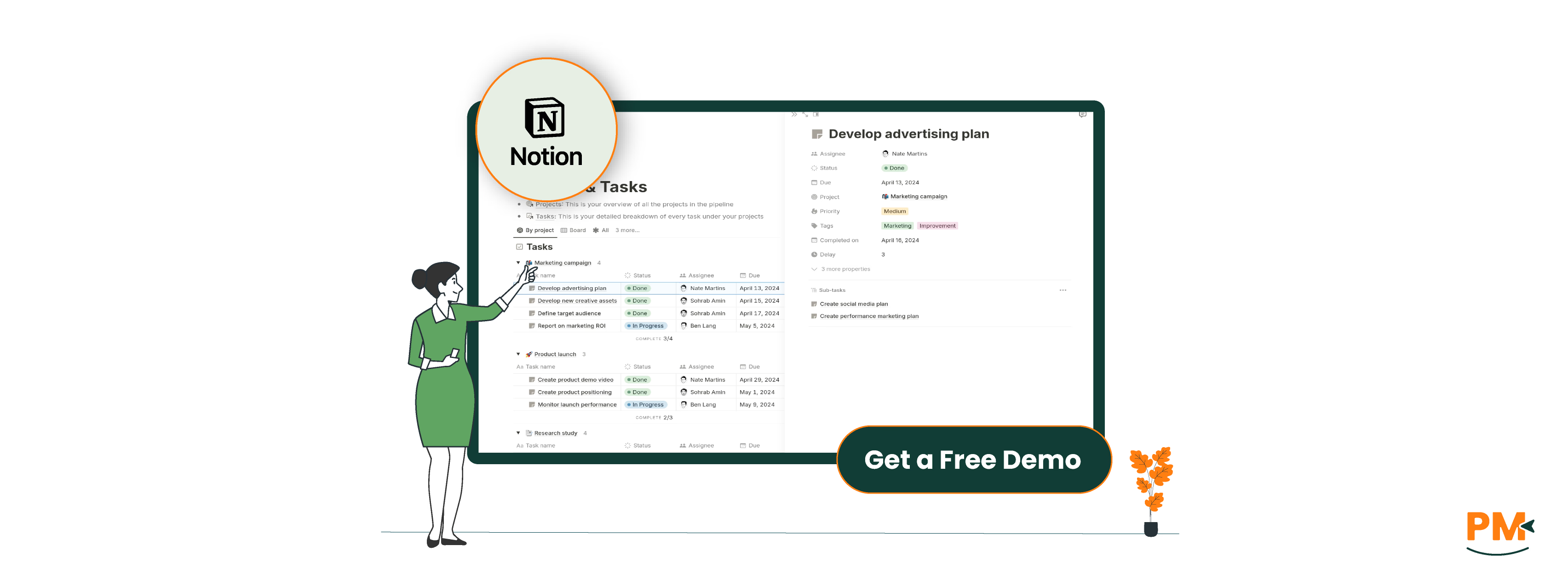
Notion, launched in 2016, is a versatile, cloud-based workspace that’s taken the world by storm, boasting over 100 million users, from startups to giants like Pixar. It blends note-taking, task management, databases, and wikis into one sleek platform. With customizable templates and a drag-and-drop interface, Notion adapts to any team—marketing, design, or even personal lifehackers—making it a one-stop shop for org anizing work and ideas.
Notion Pros And Cons
Pros:
- Flexibility: Notes, tasks, databases, and wikis in one place
- Intuitive UI: Drag-and-drop ease with minimal learning curve
- Free Plan: Unlimited blocks for individuals, great for small teams
- Collaboration Powerhouse: Real-time editing and comments for seamless teamwork
Cons:
- No Native Time Tracking: Requires integrations for detailed time logs
- Offline Mode Struggles: Limited functionality without internet access
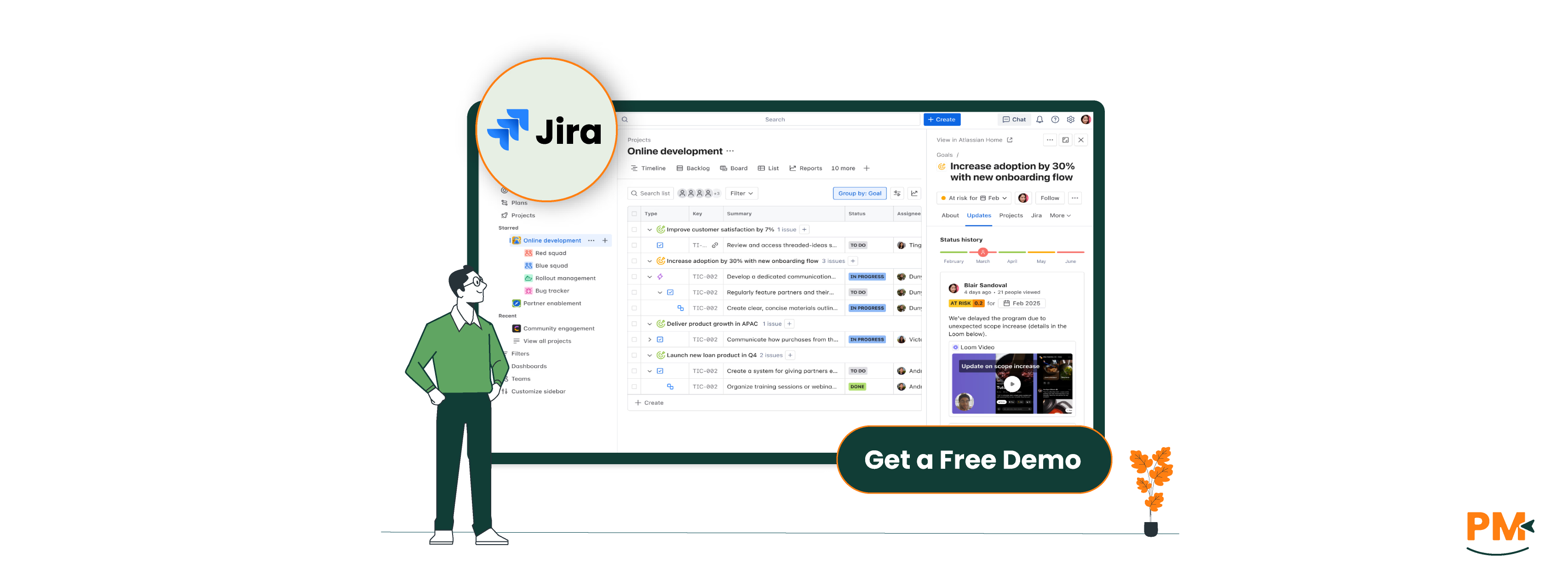
Jira, crafted by Atlassian in 2002, is the undisputed champ of Agile project management, trusted by over 300,000 organizations. Born as a bug tracker, it’s now a go-to for software teams, offering robust issue tracking, Scrum/Kanban boards, and 3,000+ integrations. Its customizable workflows make it a beast for technical projects, though it’s branching out to other industries.
Jira Pros and Cons
Pros:
- Agile All-Star: Unmatched Scrum and Kanban boards for sprint planning
- Issue Tracking Wizardry: Perfect for bugs, tasks, and user stories
- Integration Paradise: Connects with Bitbucket, Confluence, and thousands more
- Scales like A Pro: Free for up to 10 users, enterprise-ready for thousands
- Deep reporting: Burndown charts and velocity reports for Agile insights
Cons:
- Learning curve: Complex for non-techies or Agile newcomers
- No Built-In Docs: Relies on Confluence for robust documentation
- Less flexible for non-dev teams: Software-focused design limits versatility
Notion
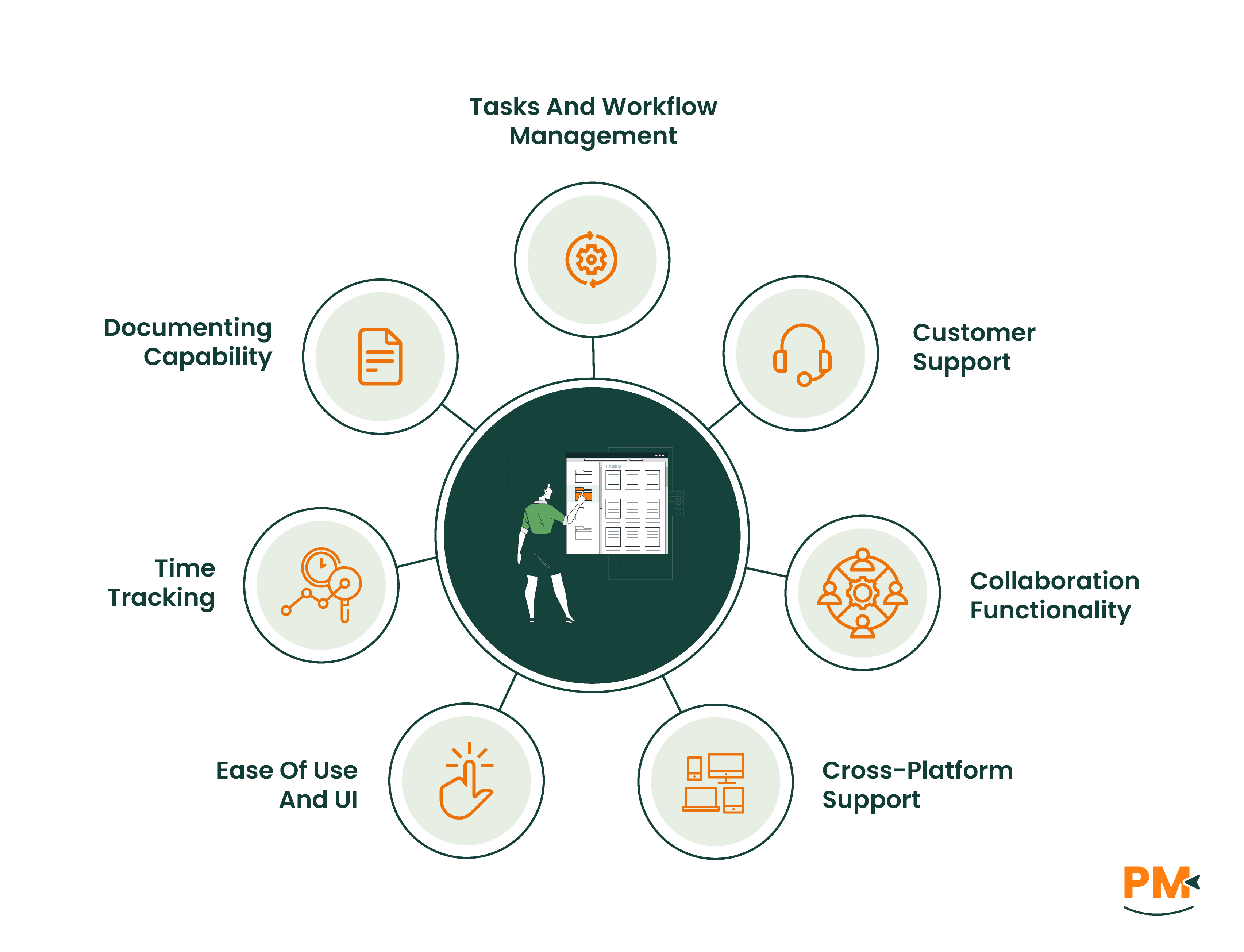
Notion’s task management is like a blank canvas—paint it however you want. Databases support Kanban boards, lists, calendars, and tables, with custom fields for priorities or due dates. Automations are basic but growing, and templates like project trackers simplify setup. It’s ideal for creative or cross-functional teams but lacks Jira’s Agile depth for software sprints.
Jira
Jira’s task management is all about “issues” (tasks, bugs, stories) tied to epics and sprints. Custom workflows let you define statuses and transitions, while Scrum and Kanban boards keep Agile teams in sync. It’s a dream for software devs but can feel overengineered for non-technical projects.
Notion
Notion offers a help center with guides, tutorials, and a community forum. Free, Plus, and Business plan users get priority help, while Enterprise users get dedicated customer success managers. Enterprise plans include dedicated success managers. Support is responsive, but free users may miss direct help.
Jira
Jira’s support includes a help center, community forums, and a support portal. Free plan users lean on community help, while Standard, Premium, and Enterprise plans offer 24/7 support, with Premier Support providing dedicated engineers. Complex queries can sometimes see slower responses.
Notion
Notion’s collaboration is a creative’s dream, with real-time editing, comments, and mentions across pages and databases. Teamspaces and shared wikis foster seamless teamwork, and public sharing options (no login required) make it easy to collaborate externally. It’s a one-stop hub for notes and tasks.
Jira
Jira’s collaboration centers on issue-based discussions via comments and mentions. Integration with Confluence adds documentation depth, while Slack or Microsoft Teams connections enhance communication. It’s effective for dev teams but feels less fluid for real-time collaboration compared to Notion.
Notion
Notion shines on web browsers, desktop apps (Windows, macOS), and mobile apps (iOS, Android). The mobile app supports note-taking, task updates, and notifications, though offline mode is limited. Browser extensions like Web Clipper boost accessibility for quick captures.
Jira
Jira is available via web browsers, desktop apps (Windows, macOS), and mobile apps (iOS, Android). The mobile app handles issues, boards, and notifications but is less suited for complex admin tasks. The web version remains the core for heavy customization.
Notion
Notion’s UI is a visual delight—clean, customizable, and drag-and-drop friendly. Its block-based system makes creating pages or databases intuitive, with templates easing onboarding. Power users may need time to master advanced database setups, but it’s far friendlier than Jira for beginners.
Jira
Jira’s UI is functional but dense, built for Agile workflows with boards and filters. It’s powerful for dev teams but intimidating for non-technical users or Agile novices. Tutorials help, but the learning curve is steeper than Notion’s.
Notion
Notion lacks native time tracking, relying on integrations like Clockify for logging hours. Users can create time-tracking tables in databases, but it’s manual and less robust than dedicated tools, making it a weaker spot for project management.
Jira
Jira’s built-in time tracking lets users log hours on issues with estimates and reports. Apps from the Atlassian Marketplace add AI-driven insights and timesheets. It’s more integrated than Notion but may need add-ons for advanced needs.
Notion
Notion’s documentation is its superpower, with unlimited pages, wikis, and databases for notes, SOPs, or knowledge bases. Real-time editing, rich media embeds, and public sharing make it a go-to for teams needing a single hub for docs and projects.
Jira
Jira leans on Confluence for wikis and knowledge bases. Within Jira, comments and attachments cover basic needs, but robust documentation requires Confluence, adding cost and setup. It’s less integrated than Notion’s all-in-one approach.
Notion Vs Jira Pricing Comparison

Feature | Notion | Jira |
Free Plan | Individual use | Up to 10 users; 2GB storage |
Entry-Level Paid Plan | $12/user/month (Plus) | $7.53/user/month (Standard) |
Mid-Tier Plan | $24/user/month (Business, billed annually) | $13.53/user/month (Premium) |
Enterprise Plan | Custom pricing | Custom pricing |
Storage | 5MB to Unlimited (varies by plan) | 2GB to Unlimited (varies by plan) |
Support | Self-help (Free) to 24/7 priority (Enterprise) | Community (Free) to 24/7 Premier (Enterprise) |
Automation | Basic (Free) to advanced (all paid plans) | Limited (Free) to Unlimited (Enterprise) |
Disclaimer: The pricing is subject to change.
Notion’s free plan is generous for individuals and small teams. Jira’s free plan supports more users but add-ons can raise costs for advanced features.
Who Is Notion Best For?
Notion rocks for:
- Creative And Cross-functional Teams: Perfect for marketing, design, or operations
- Knowledge Management Buffs: Wikis and databases for organized chaos
- Small Teams Or Freelancers: Free plan offers generous features
- Non-technical Users: Intuitive for those dodging complex setups
Who Is Jira Best For?
Jira shines for:
- Software Dev Teams: Built for Agile sprints and issue tracking
- Agile Purists: Scrum and Kanban boards for sprint mastery
- Dev Tool Enthusiasts: Integrates with Bitbucket, GitHub, and more
- Technical Project Leads: Robust for code-driven workflows
Which One May Suit Your Needs Better?
Notion or Jira? It’s a vibe check. If your team craves a flexible, all-in-one workspace for notes, tasks, and wikis, Notion’s your creative muse. For software teams sprinting through Agile projects with deep issue tracking, Jira’s the technical titan. Many pair Notion for docs and Jira for dev workflows. Take their free plans for a spin to find your team’s rhythm.