
This is an era of rapid development; technology is evolving at an unprecedented pace. Following the same trend, project management (PM) software has advanced dramatically, transforming from simple task lists into robust management systems.
Featuring an extensive range of features, today’s best PM software is engineered to help organizations achieve higher productivity, clearer collaboration, and more predictable project outcomes.
This article explores innovative features in modern PM software and emerging functionalities, showcasing how the best software empowers teams to plan, coordinate, and deliver with unmatched efficiency.
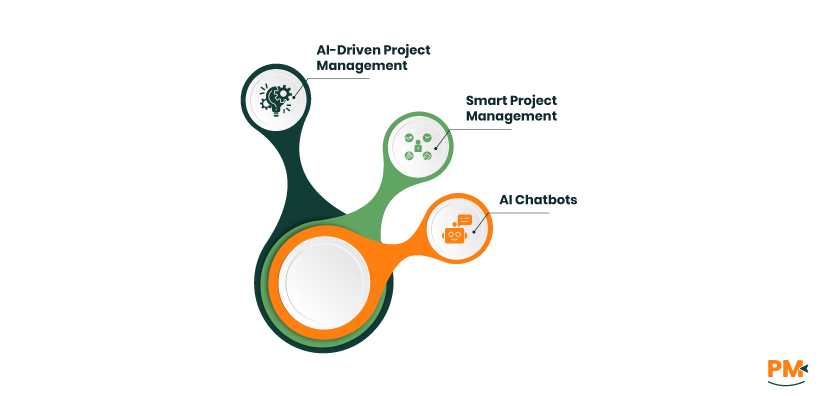
Among the most talked-about management software features is the integration of artificial intelligence (AI). By harnessing AI, PM tools can now automate repetitive processes and provide predictive analytics. Some examples include:
- AI-Driven Project Management: These features can quickly assign tasks, estimate delivery timelines, and flag possible delays by analyzing historical data
- Smart Project Management: Includes tools to support better resource allocations, identify at-risk assignments before issues escalate, and even recommend changes to enhance workflow
- AI Chatbots: Pm software comes with digital assistants to convert natural language into actionable items, saving time on updates or follow-ups
With the help of these AI features, teams can reduce routine busywork and elevate their decision-making.
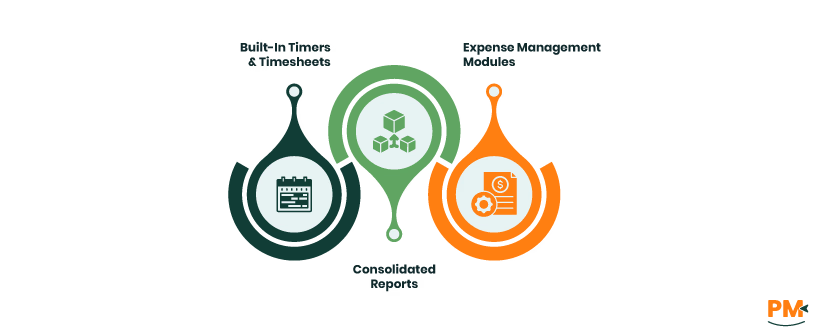
Time and expense tracking has become a must-have among essential project management features, especially for client-driven teams seeking the best software for their needs. Some examples of integrated time and expense tracking features include:
- Built-In Timers And Timesheets: Users can log time directly within the project management system software, promoting accuracy across billing and task reporting
- Expense Management Modules: These let teams upload receipts or track costs alongside projects, embedding transparency into daily operations
- Consolidated Reports: PM tools can produce detailed reports, allowing managers to compare projected vs. actual costs instantly
Such integrated management software features provide clear budget visibility and are a hallmark of the best project management software options on the market.
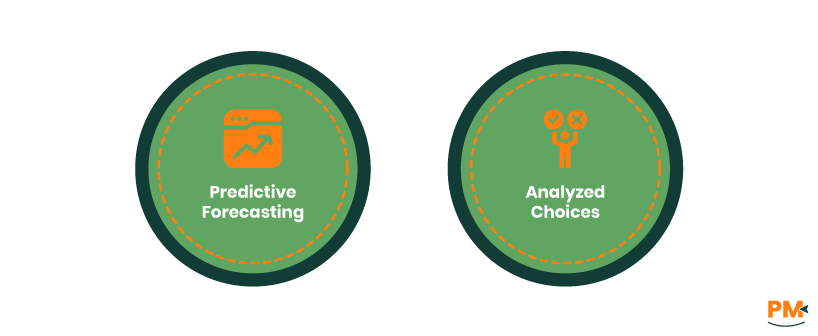
Scenario modeling, found in top PM software platforms, is a standout among new features, offering teams an innovative way to assess potential outcomes by;
- Predictive Forecasting: Creating multiple hypothetical scenarios within their project management tools, which lets users forecast the impacts of delayed tasks, add resources, or change priorities
- Analyzed Choices: Using these features to help visualize risks before committing to critical changes, equipping teams to make data-driven choices and avoid costly mistakes
If your organization values agility, investing in PM system software with built-in scenario planning ensures safer, smarter navigation through complex projects.
Providing external stakeholders with secure, tailored access is a standard staple for the best software for project management purposes. It includes:
- Dedicated client portals: A highlight among recent PM features, these allow external partners or clients to review timelines, files, and deliverables in real time
- Integrated Communication Channels: These channels allow communication within the project management tools to speed up approvals, feedback, and issue resolution, reducing project friction and strengthening client trust
When these project management software features are in place, collaboration with partners becomes seamless and fully traceable.
A frequent pain point in project coordination is inconsistent intake. Modern PM software addresses this with enhanced and customized features that standardize how teams accept and review new work. These tools come with:
- Custom Forms: Embedded within project management tools, these capture all necessary project requirements at the very start, reducing ambiguity or the need to rework down the line
- Request Management: PM platforms often route requests directly to the right team or individual, creating an organized queue within the system
These features ensure a smoother project kickoff by eliminating confusion and aligning all stakeholders from the outset.
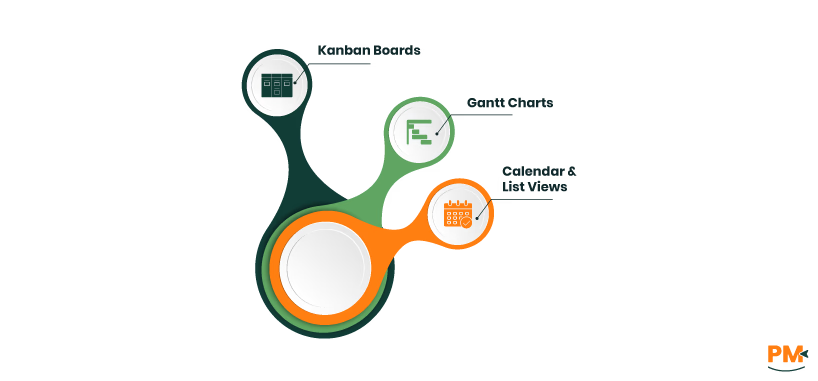
Flexibility in visualization is a crucial selling point in the best PM software in the modern market, as team needs vary widely. The latest project management software lets users shift between multiple dynamic views:
- Kanban Boards: Offer easy progress tracking and are a staple of agile project management tools
- Gantt Charts: Are another valued project management feature, providing timeline and dependency visibility for complex spreads
- Calendar And List Views: Provide chronological or checklist-style tracking within the project management system software
This adaptability guarantees that everyone, from project managers to team contributors, can choose the view that fits their individual workflow.
Collaboration is at the heart of why PM software is so important. Top project management tools integrate powerful communication and document-sharing features, which include:
- Real-Time Messaging: Mentions, and embedded task comments allow knowledge to stay with the work instead of getting lost in external tools
- Secure Document Sharing: Another advanced feature, that ensures everyone is referencing the correct, up-to-date material
These collaboration-focused features foster alignment, accountability, and speed within any modern project management system software.
Data visualization remains a top-tier requirement when evaluating the features of modern PM software. This includes real-time reporting dashboards and generative analytics. Examples include:
- Analytical Organization: PM tools deliver visual summaries on project progress, budget consumption, and resource allocation
- Automated Dashboards: Central to the latest management software features, these support deep-dive analysis of team performance and deadline risks
Quick access to these insights lets project managers and stakeholders spot issues early and fine-tune delivery strategies.
Efficiency gains in leading modern PM software are now powered by no-code automation, which is a highly sought-after feature when it comes to project organization and implementation. It helps with:
- Custom Workflows And Automation: These platforms automatically update task statuses, trigger alerts, and route approvals, reducing manual intervention
- Project Simplification: They integrate automation seamlessly, optimizing both repetitive and complex processes
This allows organizations to scale their operations and keep teams focused on value-added work within any project management system software.
Effective resource management is a must-have among features for any team facing competing priorities. The best software on the market offers robust resource calendars and forecasting tools.
- Monitored Allocation: Visual dashboards within these project management tools help managers avoid overallocation and ensure balanced workloads
- Capacity Planning Functions: Forecast staff availability, enabling proactive adjustments and confident project commitments
These management software features contribute directly to better productivity, morale, and consistent project delivery.
Modern work is mobile, and PM software has evolved to adapt to that. Leading tools now offer full-featured mobile apps, bringing management software features wherever work happens.
- Avanced Tools: With these tools, users manage tasks, review timelines, and approve deliverables on the go
- Offline Functionality: Most PM systems support offline functionality, enabling users to keep working even when connectivity is unreliable
Such flexible project management features are essential for distributed or remote-first teams.
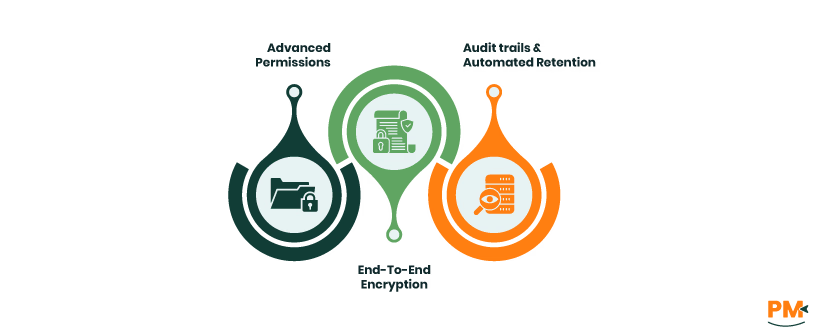
The best new-age PM software places a premium on security and compliance among its core management features.
- Advanced Permissions: Based on user roles, ensure data confidentiality within projects, and across different teams working on the same or related projects
- End-To-End Encryption: Ensures compliance, that leads to certifications which help satisfy regulatory and privacy requirements
- Audit trails And Automated Retention: Provide further assurance, especially vital for organizations handling sensitive information
These security-focused project management features build the trust necessary to manage high-stakes or regulated projects.
When identifying the unique features of modern PM software, the choice usually depends on research. Teams should consider the following when identifying features:
- Which management software features genuinely solve pain points and contribute to making their workflows easier
- How the tools and features will scale with evolving team size and complexity of the projects being worked on
- Integration with other platforms, ensuring the new system software fits within the broader tech stack already being used
- User-friendliness must also be taken into consideration even if the best software often falls short if adoption with teams is lacking
- Vendor security, support, and compliance are especially critical for industries with strict regulatory needs, and that needs to be considered while adopting software
Careful alignment between needs, workflows, and features ensures that teams make a worthwhile investment.
What Makes A Feature ‘Unique’ In Project Management Software?
A feature is ‘unique’ if it’s innovative, drives quantifiable productivity gains, or addresses complex project challenges beyond the basics typical of most project management tools.
Can AI Features Replace Manual Planning?
AI-driven project management features can reduce repetitive work and catch issues early, but human strategy and oversight remain indispensable, even with the best project management software.
Are Scenario Tools Worth The Investment?
Scenario modeling, common in premium project management system software, is invaluable for large or complex projects but may be less critical for simple projects or workflows. The choice depends on your needs.
Do Client Portals Add Overhead To Setup?
While some setup is required, the modern software for project management have streamlined client portal deployment. Enhanced transparency and communication almost always outweigh initial configuration time.
How Secure Is AI-Powered Project Managment Software?
AI-Powered PM software offers end-to-end encryption, making data and communication channels safe and secure.
What are some of the features of common project management software?
Some unique features that can be found in popular PM software include task management, project planning, team collaboration, time tracking, reporting, and integrations.