
Choosing the right project management tool is like picking the perfect playlist for a road trip—it sets the vibe for your team’s journey. Wrike and Jira are two chart-toppers in the project management world, each with its own rhythm. Wrike grooves as a versatile, all-purpose platform for teams across industries, while Jira rocks out for software development crews with its Agile swagger. In this head-to-head, we’ll break down their features, usability, pricing, and more to help you decide which tool keeps your projects in tune.
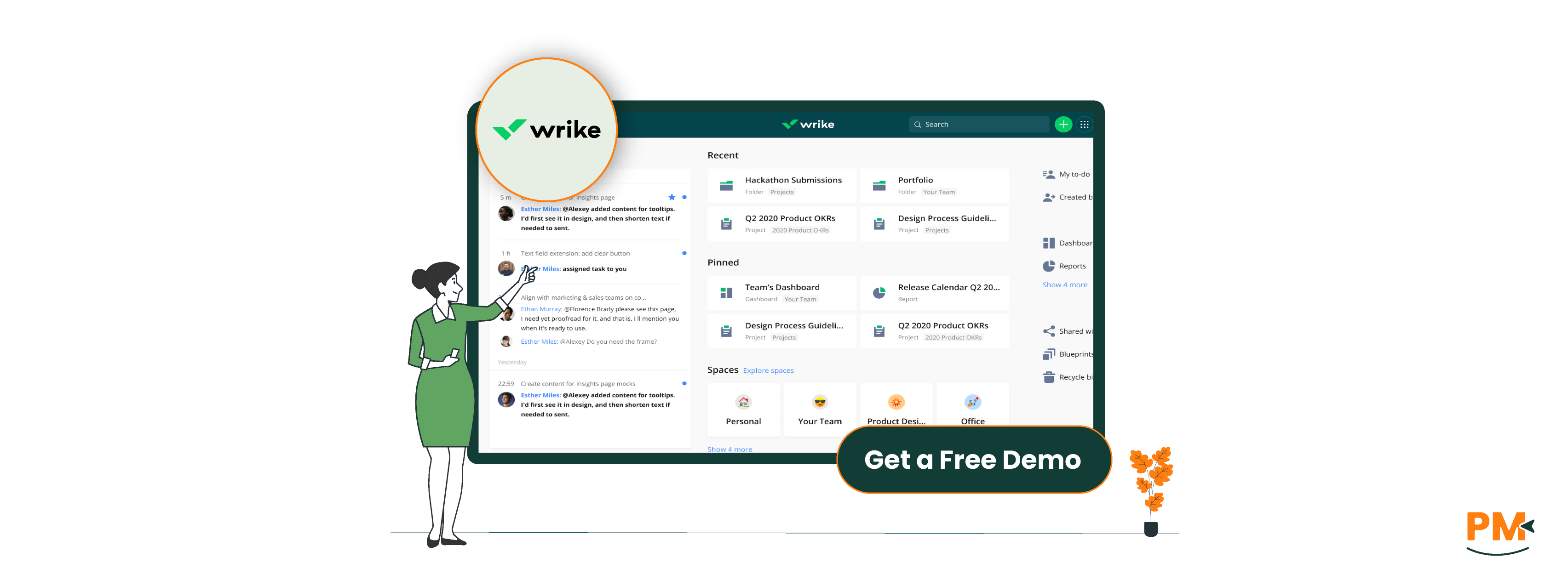
Wrike, launched in 2006, is a cloud-based project management platform designed to streamline workflows for teams of all stripes. Used by over 20,000 organizations, Wrike offers task management, Gantt charts, time tracking, and real-time collaboration. Its flexibility makes it a hit for marketing, creative, and operations teams, with customizable dashboards and 400+ integrations to keep everything in sync.
Wrike Pros And Cons
Pros:
- Versatile For All Industries: Handles Agile, Waterfall, or hybrid workflows with ease
- Intuitive Interface: User-friendly design with quick onboarding for newbies
- Robust Time Tracking: Built-in tools for logging hours and managing billable time
- Gantt chart mastery: Visual timelines shine for project planning and dependencies
- Strong resource management: Workload views optimize team capacity
Cons:
- Feature overload: Can feel complex for small teams needing simple setups
- Restricted Integrations: Some key integrations require higher-tier plans or add-ons
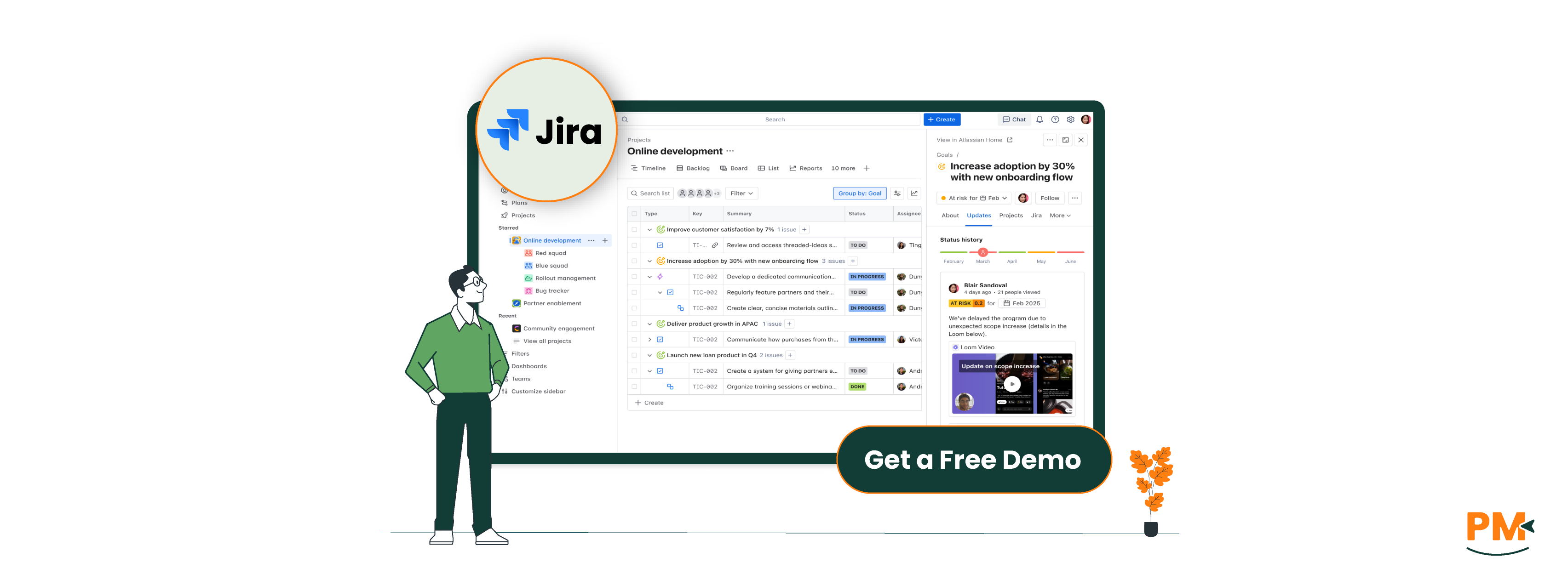
Jira, born in 2002 from Atlassian, is the go-to for software development teams, with over 300,000 customers, including Spotify and Cisco. Originally a bug-tracking tool, it’s evolved into a powerhouse for Agile project management, offering Scrum and Kanban boards, issue tracking, and deep integrations with dev tools like Bitbucket. Its customizable workflows make it a favorite for technical teams, though it’s expanding to other industries.
Jira Pros And Cons
Pros:
- Agile Excellence: Unmatched Scrum and Kanban support for software teams
- Issue tracking: Perfect for managing bugs, tasks, and user stories
- Massive Integration Ecosystem: Over 3,000 apps via the Atlassian Marketplace
- Scalable For Any Size: Free for up to 10 users; handles enterprise needs
- Detailed Reporting: Burndown charts, velocity reports, and more for Agile insights
Cons:
- Steep learning curve: Complex for non-technical users or Agile newbies
- Documentation dependency: Needs Confluence for robust document management
- Performance hiccups: Can slow with large datasets or heavy customization
Wrike
Wrike’s task management is like a Swiss Army knife—versatile and ready for anything. Tasks can be organized in folders, assigned with due dates, and tracked via list, Kanban, or Gantt views. Custom workflows and automations streamline repetitive tasks, while workload charts ensure no one’s overloaded. It’s ideal for cross-functional teams but may require setup time for complex projects.
Jira
Jira’s task management revolves around “issues” (tasks, bugs, or stories) tied to epics and sprints. Its customizable workflows let teams define statuses (e. g. , To Do, In Progress, Done) with granular transitions. Scrum and Kanban boards, backlogs, and roadmaps make it a dream for Agile software teams, though setup can be admin-heavy.
Wrike
Wrike offers a help center with articles, tutorials, and a community forum. Free plan users get self-help resources, while paid plans (Professional, Business, Enterprise) include 24/7 live chat and priority support. Enterprise plans add dedicated account managers. Users praise Wrike’s responsive support but note free plan limitations.
Jira
Jira’s support includes a comprehensive help center, community forums, and a support portal. Free plan users rely on community help, while Standard, Premium, and Enterprise plans offer 24/7 support for critical issues, with support including dedicated engineers. Support is solid but can feel slow for complex queries.
Wrike
Wrike fosters collaboration with task comments, file sharing, and real-time editing. Its proofing tools and integrations with Slack and Microsoft Teams keep teams connected. Cross-tagging links tasks across projects, boosting organization-wide collaboration. It’s great for teams needing a single hub for files and communication.
Jira
Jira’s collaboration centers on issue-based discussions via comments and mentions. Integration with Confluence enhances documentation, while Slack and Microsoft Teams connections streamline communication. It’s effective for technical teams but lacks Wrike’s built-in proofing or real-time doc editing.
Wrike
Wrike is accessible via web browsers, desktop apps (Windows, macOS), and mobile apps (iOS, Android). The mobile app supports task management, time tracking, and notifications, with a clean interface for on-the-go work. Some users note minor mobile app glitches for complex tasks.
Jira
Jira offers web access, desktop apps (Windows, macOS), and mobile apps (iOS, Android). The mobile app handles issue creation, board views, and notifications but shines less for advanced configuration. The web version remains the go-to for heavy lifting.
Wrike
Wrike’s interface is sleek and intuitive, with a dashboard that centralizes tasks, notifications, and shortcuts. Drag-and-drop functionality and templates ease onboarding, though the feature set can overwhelm small teams. It’s more approachable than Jira for non-technical users.
Jira
Jira’s UI is functional but dense, with a focus on Agile workflows. Customizable boards and filters are powerful but can intimidate beginners. Tutorials help, but the learning curve is steep for those new to Agile or complex setups.
Wrike
Wrike’s built-in time tracking lets users log hours via a timer or manual entry, with categories for billable/non-billable time. Timesheets and workload views provide insights, making it ideal for client work or resource management. No extra apps needed.
Jira
Jira’s native time tracking allows logging hours on issues with estimates and reports. For advanced features, apps like Tempo Timesheets from the Atlassian Marketplace add AI-driven insights. Setup can be complex compared to Wrike’s out-of-the-box solution.
Wrike
Wrike offers built-in document management with file uploads, version control, and real-time editing. Proofing tools support creative teams, and integrations enhance digital asset management. It’s a self-contained solution for docs and collaboration.
Jira
Jira relies on Confluence for robust documentation, supporting wikis and knowledge bases. Within Jira, comments and attachments handle basic needs, but rich text editing or standalone docs require Confluence, adding cost and complexity.

Feature | Wrike | Jira |
Free Plan | Basic features | Up to 10 users;2GB storage |
Entry-Level Paid Plan | $10/user/month (Team) | $7.3/user/month (Standard) |
Mid-Tier Plan | $25/user/month (Business) | $14.53/user/month (Premium) |
Enterprise Plan | Custom pricing | Custom pricing |
Storage | Varies by plan | 2GB to Unlimited (varies by plan) |
Support | Self-help (Free) to 24/7 priority (Paid) | Community (Free) to 24/7 Premier (Enterprise) |
Disclaimer: The pricing is subject to change.
Wrike’s free plan is limited but scales well for larger teams. Jira’s free plan is more generous for small teams, and its lower entry-level pricing appeals to budget-conscious groups, though costs rise with add-ons.
Wrike shines for:
- Cross-Industry Teams: Perfect for marketing, creative, or operations workflows
- Client-Focused Agencies: Built-in proofing and time tracking for billable hours
- Resource Planners: Workload tools optimize team capacity
- Non-Technical Users: Easier onboarding than Jira for diverse teams
Who Is Jira Best For?
Jira is ideal for:
- Software Dev Teams: Built for Agile, with unmatched issue tracking
- Agile Enthusiasts: Scrum and Kanban boards for sprint planning
- Dev Tool Users: Seamless integrations with Bitbucket, GitHub, and more
- Technical Teams: Robust for complex, code-driven projects
Which One May Suit Your Needs Better?
Wrike or Jira? It’s all about your team’s groove. If you’re running a software dev squad with a love for Agile, Jira’s issue tracking and dev integrations are your jam. For diverse teams or client work needing flexible workflows and built-in tools, Wrike’s versatility and ease of use take the lead. Test their free plans to see which vibe fits your projects best.