

Staying organized is a constant challenge for busy professionals and teams. Whether you're tracking personal tasks or managing complex projects, the right tool can make all the difference.
Two popular solutions in the task management space are Wunderlist and Asana. While Wunderlist is known for its clean, list-focused interface and ease of use, Asana offers more advanced project management capabilities for team collaboration. Both tools aim to improve productivity but in very different ways.
In this comparison, we’ll break down their features, user experience, collaboration tools, and pricing to help you decide which one suits your workflow best.
Capability | Wunderlist | Asana |
Task Assignment | Shared lists and checklist collaboration | Single assignee and automated task rules |
Due Dates & Reminders | Auto-recognized due dates and reminders | Start/due date triggers and Slack/email notifications |
Subtasks | Checklist-style subtasks and nested items | Assignable subtasks and cross-project visibility |
Task Comments & Notes | Basic comments and task notes | Threaded comments and @mentions |
List / Project Organization | Categorized lists and folder grouping | List/board views and timeline/calendar modes |
Wunderlist is a simple task management app designed to help users create, organize, and share to-do lists. It features a clean interface, cross-device syncing, and basic collaboration tools. Ideal for individuals and small teams, Wunderlist makes it easy to manage personal tasks, grocery lists, or simple work projects.
Unique Features Of Wunderlist
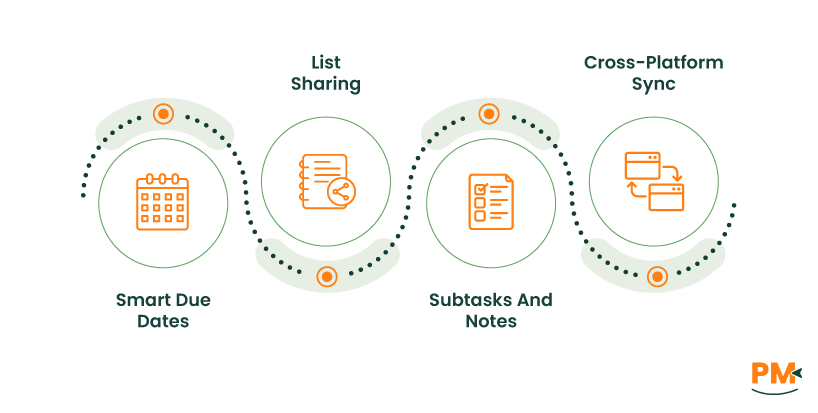
- Smart Due Dates: Automatically recognizes and adds due dates when typed into the task name
- List Sharing: Easily share entire lists with others for collaborative task management
- Subtasks And Notes: Break tasks into smaller steps and add detailed notes for clarity
- Cross-Platform Sync: Syncs seamlessly across devices, including mobile, desktop, and web
Pros And Cons Of Wunderlist
Pros:
- Supports subtasks and notes to break down complex tasks easily
- Allows list sharing and real-time updates for simple team collaboration
- Offers smart due dates and reminders to keep tasks on schedule
Cons:
- Lacks advanced project management tools like timelines or task dependencies
- No built-in workflow automation for handling repetitive processes
Asana is a project management platform built for team collaboration and workflow tracking. It lets users create projects, assign tasks, set deadlines, and monitor progress in various views like lists, boards, and timelines. Asana is designed for teams managing complex projects, offering integrations, automation, and reporting tools for streamlined work.
Unique Features Of Asana
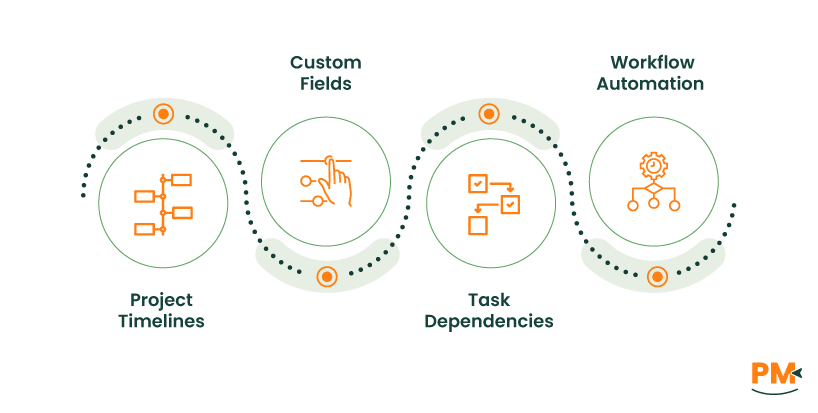
- Project Timelines: Visualize task schedules and dependencies using a Gantt-style timeline view
- Custom Fields: Add specific data fields to tasks for better organization and tracking
- Task Dependencies: Set tasks to begin only after others are completed to manage workflows
- Workflow Automation: Use rules to automate repetitive actions like task assignment or status updates
Pros And Cons Of Asana
Pros:
- Supports powerful automation rules to streamline team workflows
- Enables structured collaboration with comments, attachments, and subtasks
- Offers a game-changing multi-home feature for efficient project organization
Cons:
- Recurring tasks are inflexible and hard to customize individually
- Lacks native time tracking and doesn’t allow multiple assignees per task
Task Assignment

Wunderlist allows task assignments through shared lists. Collaborators can check off items within a list, but the platform doesn’t support formal task ownership. This limits structured responsibility and makes it better suited for casual collaboration rather than clear delegation.
Asana, on the other hand, mandates a single assignee per task, which clarifies responsibility and avoids confusion. The platform also enables teams to set roles and apply automation rules for task assignment through templates (Asana Community).
Winner: Asana wins for offering structured accountability and automation in assignments.
Due Dates And Reminders

Wunderlist offers intuitive due dates and reminder functionality. Users can type a date directly into a task, which is auto-recognized, and receive reminders before the task is due. While efficient for personal task management, it lacks advanced scheduling automation.
Asana provides enhanced flexibility with due dates and start dates. Users can set reminders triggered by start or due dates, and receive notifications through integrated channels like Slack or email. These features enable teams to stay ahead with minimal manual intervention.
Winner: Asana wins due to its intelligent, automated reminder system.
Subtasks

Wunderlist supports subtasks as checklist-style items nested under main tasks. However, these subtasks don’t support individual due dates, comments, or notifications. They’re useful for personal organization but lack workflow depth.
Asana treats subtasks as fully functional tasks. Each subtask can have its own due date, assignee, description, and even belong to multiple projects. This design allows teams to create detailed hierarchies and better manage complex workflows.
Winner: Asana wins for its comprehensive subtask structure and flexibility.
Task Comments And Notes

Wunderlist includes a simple commenting feature for shared lists, along with a notes section attached to each task. However, it does not support mentions, replies, or rich communication tools, limiting collaborative depth.
Asana provides threaded comments on every task, with support for @mentions, file attachments, and real-time notifications. This setup enhances collaboration and ensures task-level context remains visible and actionable.
Winner: Asana wins by enabling stronger, more interactive communication features directly within tasks.
List / Project Organization

Wunderlist uses a simple structure based on lists and folders. While users can organize tasks into categorized lists and group them, it lacks advanced visual project management options like boards or timelines.
Asana offers multiple ways to structure projects like by using list view, kanban boards, calendar view, and timeline. Tasks can be segmented with sections, tagged with custom fields, and placed into multiple projects simultaneously. This flexibility supports various workflows, from basic to complex project tracking.
Winner: Asana wins for its adaptable and visually rich project organization.
Choosing the right task management software depends on the complexity of your workflow and the level of collaboration your team needs. The right platform can improve accountability, communication, and overall project efficiency.
Wunderlist is ideal for individuals and small teams looking for a clean, straightforward to-do list app for personal productivity or light collaboration.
Asana, on the other hand, is better suited for growing teams and organizations that require structured workflows, task dependencies, automation, and detailed project tracking.
Need help picking the best tool for your team's unique needs? Contact our consultants to find the right fit for your workflow.
