
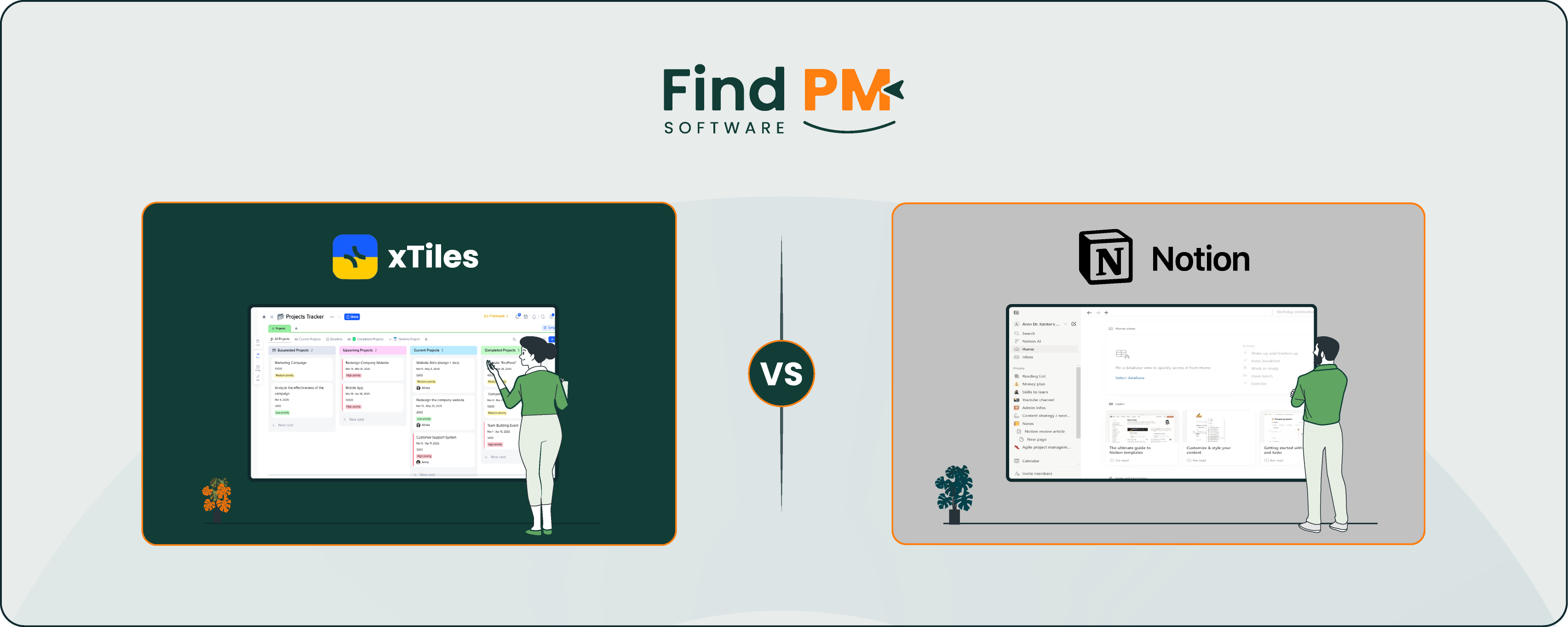
In the world of productivity tools, xTiles and Notion shine as versatile platforms for organizing tasks, notes, and projects. The former offers a visually intuitive workspace blending Kanban boards and note-taking, while the latter’s all-in-one approach excels in customizable databases and documentation. Whether you’re a creative brainstorming ideas or a team juggling complex workflows, this comparison dives into features, pricing, and vibes to help you choose.
Launched to simplify project management for creative and collaborative teams, this platform combines visual Kanban boards with flexible note-taking. It emphasizes drag-and-drop organization, customizable tiles, and a clean interface. With integrations like Google Drive and Slack, it’s tailored for teams who love visual workflows.
xTiles Pros And Cons
Pros:
- Visual Workflow: Drag-and-drop tiles and Kanban boards for intuitive organization
- Creative Flexibility: Ideal for brainstorming, mood boards, and content planning
- Easy to Use: Minimal learning curve, great for non-technical users
- Affordable Pricing: Competitive plans for small teams
Cons:
- Limited Integrations: Fewer third-party connections than its competitors
- Less Robust Databases: Not as powerful for complex data management
- Early-Stage Features: Still evolving compared to mature platforms
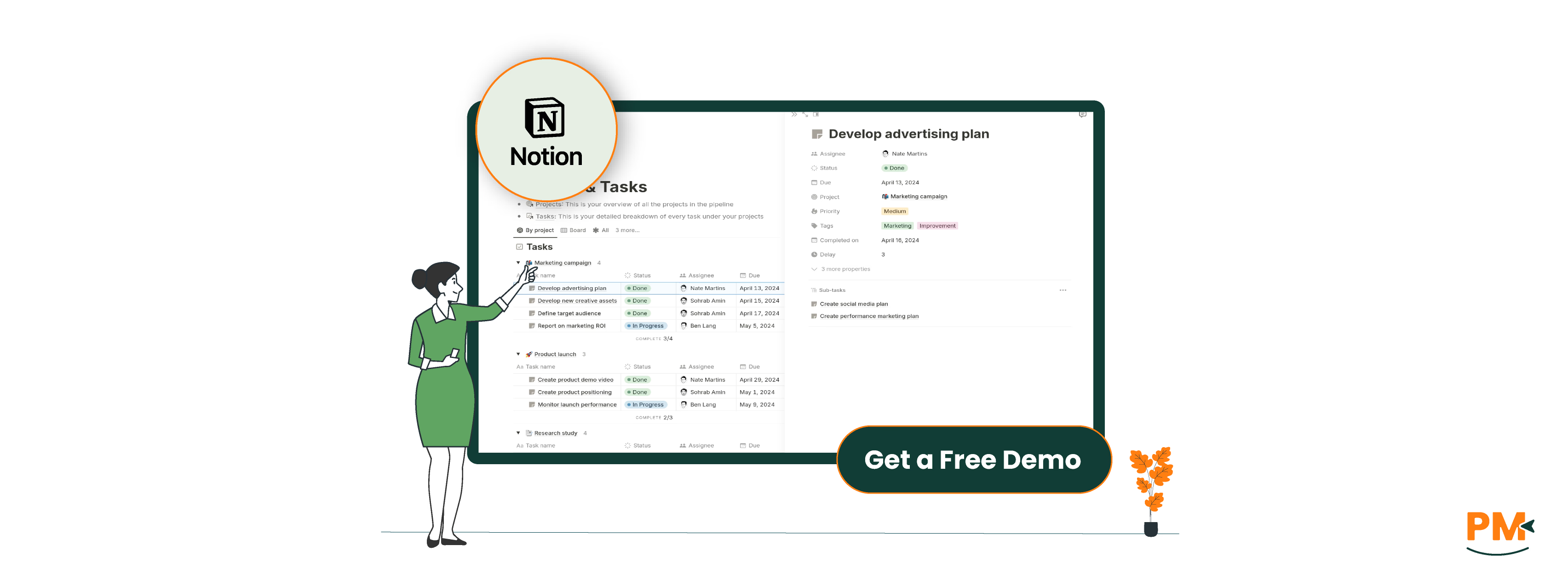
Since its launch in 2016, this tool has become a powerhouse all-in-one workspace trusted by over million users. It combines note-taking, databases, Kanban boards, and wikis, with 3,000+ templates for endless customization. With integrations like Slack and Zapier, it’s a favorite for startups, solopreneurs, and cross-functional teams.
Notion Pros And Cons
Pros:
- Highly Customizable: Databases, templates, and pages for any workflow
- All-In-One: Replaces multiple tools like docs, spreadsheets, and task boards
- Strong Community: Vast template library and active user base
- AI Features: Enhances writing, analysis, and automation
Cons:
- Learning Curve: Overwhelming for beginners due to feature depth
- Navigation Clunkiness: Can feel cluttered for complex projects
- Add-On Costs: AI and advanced features increase pricing
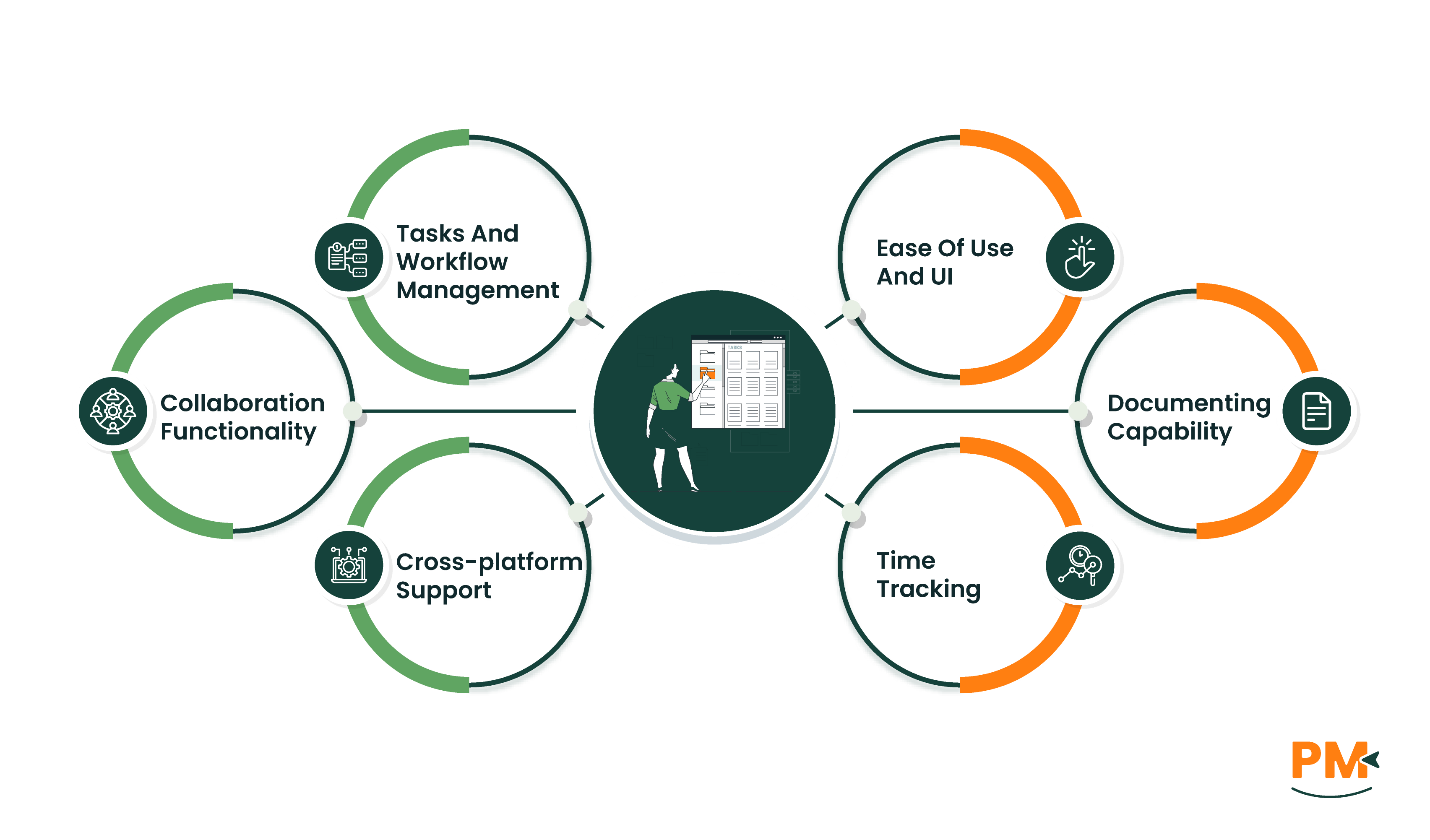
xTiles: Organizes tasks via visual tiles and Kanban boards, perfect for creative workflows like content pipelines or mood boards. Its drag-and-drop interface simplifies task movement but lacks advanced task dependencies or automation.
Notion: Task management shines with customizable databases, Kanban boards, and timelines. Tasks can be linked to projects, with properties like assignees and due dates. Its flexibility suits diverse workflows, but setup can be time-intensive for complex projects.
xTiles: Offers a help center, email support, and community forums. Paid plans include priority email support, but there’s no 24/7 live chat or dedicated managers. Response times are generally quick for smaller issues.
Notion: Provides a help center, guides, and community forums. Paid plans offer chat support, and Enterprise users get dedicated success managers. Support is reliable but can be slower for intricate queries without premium plans.
xTiles: Fosters collaboration through shared boards, real-time editing, and comments on tiles. Integrations with Slack and Google Drive enhance team workflows, but it lacks native chat or deep document collaboration tools.
Notion: Excels in collaboration with real-time document editing, comments, and mentions. Slack and Zapier integrations streamline communication, while shared databases keep teams aligned. It’s stronger for documentation-heavy teams but may need add-ons for chat.
xTiles: Web-based with mobile apps (iOS, Android) for task viewing and basic edits. The web version offers the fullest experience, while mobile apps are streamlined but limited for advanced features.
Notion: Supports web, desktop (Windows, macOS), and mobile apps (iOS, Android). Mobile apps handle tasks, notes, and databases well but are less suited for complex admin tasks. The web platform remains the core experience.
xTiles: The interface is clean and visually appealing, with a focus on drag-and-drop simplicity. It’s beginner-friendly, especially for creative teams, but lacks the depth of its competitor’s customization.
Notion: The UI is powerful yet dense, with customizable pages and databases. It’s intuitive for tech-savvy users but can overwhelm beginners. Tutorials and templates ease onboarding, but mastery takes time.
xTiles: Lacks native time tracking, relying on integrations like Clockify for time logs and reports. Setup is less seamless compared to its competitor’s native options.
Notion: Doesn’t have built-in time tracking but supports time logging via database properties or integrations like Toggl. Add-ons enhance functionality, but native solutions are limited.
xTiles: Offers note-taking within tiles, supporting text, images, and links. It’s great for visual documentation like mood boards but less robust for wikis or long-form content.
Notion: Documentation is unmatched, with wikis, notes, and databases supporting rich media and markdown. It’s ideal for knowledge bases and collaborative docs but can feel cluttered for simple needs.
xTiles Vs Notion Pricing Comparison

Feature | xTiles | Notion |
Free Plan | Up to 5 users; basic boards and tiles | Up to unlimited users; 5MB block limit |
Entry-Level Paid Plan | $15user/month (Plus) | $12/user/month (Plus) |
Mid-Tier Plan | $35/user/month (Team) | $24/user/month (Business) |
Enterprise Plan | Custom pricing | Custom pricing |
Storage | 5GB (Free) to unlimited (Paid) | 2.5MB block limit (Free) to unlimited (Paid) |
Support | Email (Free); Priority email (Paid) | Community (Free); Chat and priority (Paid) |
Disclaimer: The pricing is subject to change.
Who Is xTiles Best For?
Excels for:
- Creative Teams: Visual boards for brainstorming and content planning
- Small Teams: Affordable and simple for startups or freelancers
- Visual Thinkers: Drag-and-drop workflows for intuitive project management
Who Is Notion Best For?
Perfect for:
- All-in-One Users: Teams needing docs, databases, and task management
- Tech-Savvy Teams: Customizable workflows for complex projects
- Knowledge Management: Ideal for wikis and collaborative documentation
Which One May Suit Your Needs Better?
If you’re a creative team craving a visual, user-friendly workspace for brainstorming or simple projects, xTiles is your go-to. For teams needing a flexible, all-in-one platform for databases, docs, and complex workflows, Notion reigns supreme. Try their free plans to see which vibe fits your team’s flow.