When it comes to choosing the right productivity platform, Asana vs Todoist is one of the most common comparisons teams and individuals make. Both tools are well-established, widely trusted, and built to help users manage tasks more efficiently—but they serve different needs, workflows, and collaboration styles.
This guide is designed to help you determine which solution best fits your team's goals. Whether you're managing complex projects across departments or simply trying to stay on top of daily priorities, understanding how Asana and Todoist stack up—feature by feature—can save you time and boost productivity.
Below, we’ll break down each platform’s strengths, ideal use cases, and where they differ most. By the end, you’ll have a clear picture of which tool aligns with the way your team works. Let’s dive in.
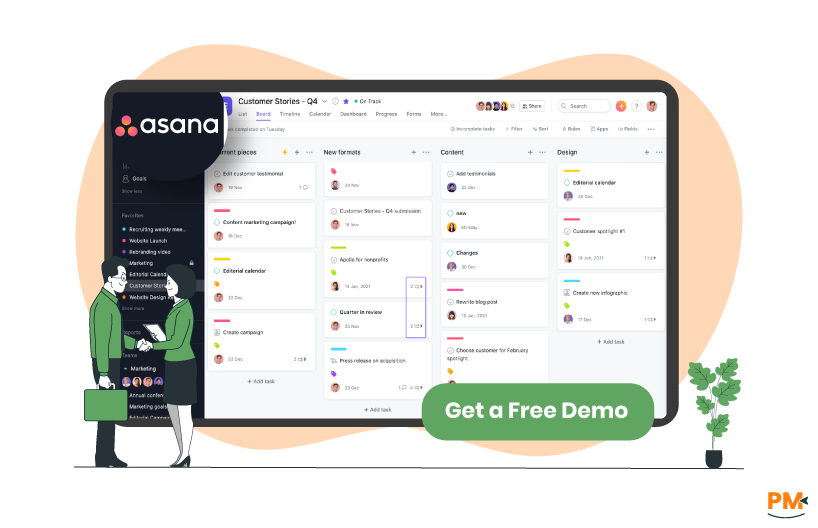
Asana is a robust project management platform designed to help teams organize, track, and execute work with clarity. Launched in 2008, it has become a go-to solution for businesses managing everything from high-level initiatives to granular task lists.
Key use cases include project planning, campaign tracking, sprint management, and cross-functional team workflows. Its visual tools—like timelines, Kanban boards, and calendars—make it easy to map out dependencies and deadlines.
Asana’s core features include task assignments, subtasks, timelines, custom fields, workload views, automation rules, and integrations with tools like Slack, Google Workspace, and Microsoft Teams. With flexible workspace organization (projects, sections, and tasks), it adapts well to a wide range of team structures.
Best suited for growing teams, agencies, and enterprise organizations, Asana excels in environments where coordination, accountability, and visibility are essential.
Asana Pros And Cons
Pros | Cons |
Powerful timeline and Gantt-style views for planning complex projects Task dependencies and milestones support detailed project mapping Scales well across teams, departments, and enterprise orgs | Can feel overwhelming for small teams or solo users Occasional performance lag in larger workspaces |
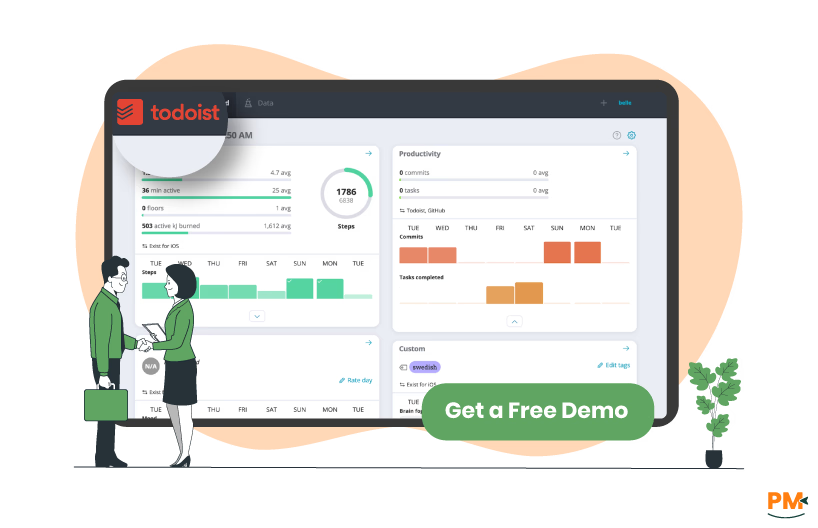
Todoist is a lightweight task management app focused on helping individuals and small teams stay organized and productive. Originally released in 2007, it offers a clean, distraction-free interface and supports a variety of platforms, including mobile, desktop, and web.
Ideal for managing personal to-do lists, daily routines, and light team collaboration, Todoist emphasizes simplicity and speed. Users can quickly capture tasks with natural language input, then organize them using projects, labels, and filters.
Core features include recurring due dates, priority levels, shared projects, productivity tracking via Karma points, and offline access. Its minimal interface and fast sync make it a favorite among freelancers, students, and small business owners.
Todoist is best for users who want a reliable, cross-platform task manager without the complexity of enterprise project management tools.
Todoist Pros And Cons
Pros | Cons |
Fast task entry using natural language input Seamless cross-platform syncing across devices Useful features for personal productivity (labels, filters, Karma points) | Limited support for complex project structures or timelines Collaboration features are basic compared to team-oriented tools |
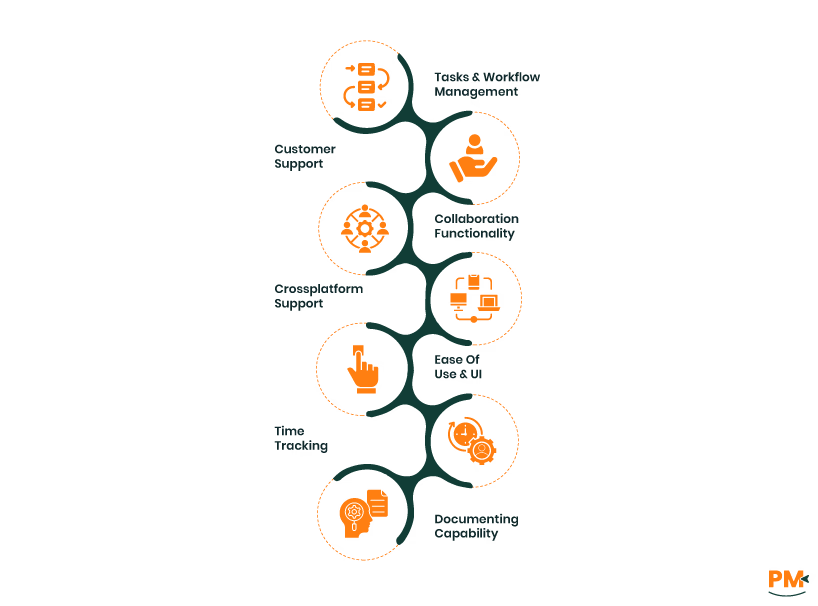
Tasks And Workflow Management
Asana
Asana offers a robust system for managing tasks and workflows, especially for teams coordinating across multiple projects. Tasks can be assigned to individuals, organized into sections or columns (using List or Board view), and linked with dependencies. With Timeline view, teams can visualize project schedules and adjust plans with drag-and-drop flexibility.
Rules and automation are a standout feature, enabling users to automate routine actions—like assigning tasks based on due dates or moving tasks when statuses change. In 2024/2025, Asana has introduced more AI-driven suggestions, including intelligent task prioritization and project templates that adapt based on historical workflows. This makes it highly scalable for teams managing complex or recurring workstreams.
Todoist
Todoist prioritizes speed and simplicity. Task creation is lightning-fast thanks to natural language input (e. g. , “Submit report every Monday at 9am”), and tasks can be organized with nested subtasks, labels, and filters. Sections within projects help group related tasks, while custom filters allow for tailored views by due date, priority, or context.
Although lighter than Asana, Todoist has added more workflow flexibility with recurring tasks, quick rescheduling (via Quick Add and calendar integrations), and some automation via third-party tools like Zapier or Make. In 2025, Todoist continues to focus on personal productivity and small-team use, with limited native support for cross-functional workflow automation.
Customer Support
Asana
Asana offers tiered customer support depending on your plan. All users have access to a comprehensive knowledge base and community forums. Paid plans include email support, while Business and Enterprise tiers unlock live chat and priority support. Response times are generally prompt, and users report positive experiences, especially when using higher-tier plans with direct support channels.
Todoist
Todoist provides email-based support and maintains an extensive help center with tutorials and troubleshooting guides. While there’s no live chat, users benefit from the Todoist Ambassador Community, a volunteer-based forum where experienced users help answer questions. Support is considered helpful, though response times can vary depending on the complexity of the issue and subscription tier.
Collaboration Functionality
Asana
Asana is built for team collaboration. Each task can be assigned to one or more team members, with rich comments, file attachments, and status updates. Shared project views (Lists, Boards, Timelines) ensure visibility, and team-wide calendars help coordinate deadlines. Asana also allows for private vs. public projects, user roles, and guest access—ideal for managing multi-user, cross-departmental initiatives.
Todoist
Todoist supports collaboration primarily through shared projects and task comments, making it suitable for small teams or short-term group efforts. However, it lacks features like role-based permissions, workload balancing, or timeline visualizations. For multi-user project management, Todoist may feel limited, but for smaller teams that prioritize speed and simplicity, its shared features are often sufficient.
Cross-Platform Support
Asana
Asana is primarily browser-based but also offers full-featured apps for Android and iOS, making it accessible across desktop and mobile. It integrates smoothly with major productivity platforms like Slack, Google Workspace, Microsoft Teams, and Zoom, enabling seamless cross-tool workflows. Asana supports offline mode in its mobile apps, allowing users to view and make changes that sync automatically when reconnected.
While the desktop app is functionally similar to the browser version, most users rely on the web interface for the full experience. Sync is generally reliable across devices, with minimal lag or data loss.
Todoist
Todoist shines in cross-platform accessibility, offering native apps for macOS, Windows, Android, iOS, and even Linux via third-party clients. It also includes browser extensions for Chrome, Firefox, Safari, and Edge, as well as integrations with Gmail, Outlook, and virtual assistants like Alexa and Google Assistant.
For on-the-go users, Todoist supports Apple Watch and Wear OS, allowing quick access to task lists and reminders. Offline support is strong, with changes syncing automatically once a connection is restored. Sync performance is smooth, even when switching rapidly between devices.
Ease Of Use And UI
Asana
Asana features a structured, project-oriented interface with multiple view options: List, Board, Calendar, and Timeline. Tasks are color-coded by project, and custom fields allow for advanced data tagging. While visually rich, this interface can feel overwhelming for first-time users, particularly those unfamiliar with project management software.
Power users benefit from deep features and customization, but the onboarding experience often requires training or guided tours to fully leverage the platform.
Todoist
Todoist emphasizes minimalism and speed. The interface is clean and uncluttered, with smart use of whitespace and intuitive navigation. Quick Add and keyboard shortcuts make it easy to create and organize tasks with minimal friction.
For new users, onboarding is fast and approachable, with built-in tips and templates. While it lacks the visual planning tools of Asana, Todoist’s simplicity is a strength for users focused on task execution over project structure.
Time Tracking
Asana
Asana includes native time tracking in select premium plans, allowing users to manually log time directly within tasks. For more advanced use cases, Asana integrates with popular third-party time tracking tools like Harvest, Clockify, Everhour, and Toggl.
These integrations enable built-in timers, automatic logging, and time reporting dashboards. While the native option covers basic tracking, teams managing billable hours or needing detailed reports typically rely on these external apps.
Todoist
Todoist does not offer native time tracking, but it integrates with several external tools, including Toggl, Clockify, and RescueTime. These integrations let users start timers from within tasks, but require additional setup.
There’s no built-in timer or logging feature in Todoist itself, so time tracking is entirely dependent on third-party solutions. For personal productivity users who track time occasionally, this setup can work—but it's less convenient than a native alternative.
Documenting Capability
Asana
Asana supports light documentation through project briefs, detailed task descriptions, and threaded comments. Project briefs allow for high-level context setting and can include embedded media, but Asana lacks true rich-text document storage or a full knowledge management system.
For in-depth documentation, many teams integrate Asana with tools like Notion, Confluence, or Google Docs to supplement its capabilities.
Todoist
Todoist includes basic documentation support via task notes and comments. Users can jot down instructions, add links, and attach files, but formatting is limited and there’s no concept of long-form or structured documentation.
While it works well for quick references or reminders, it’s not designed to store meeting notes, specs, or collaborative docs. Many users pair Todoist with apps like Evernote or Notion for more robust note-taking and documentation needs.

Asana Pricing
Asana pricing plans include:
- Starter - $13.49/user/month
- Advanced - $30.49/user/month
- Enterprise – Custom pricing
- Enterprise+ - Custom pricing
Todoist
Todoist offers the following pricing plans for teams of various sizes:
- Beginner - $0/user/month
- Pro - $5/user/month
- Business - $8/user/month
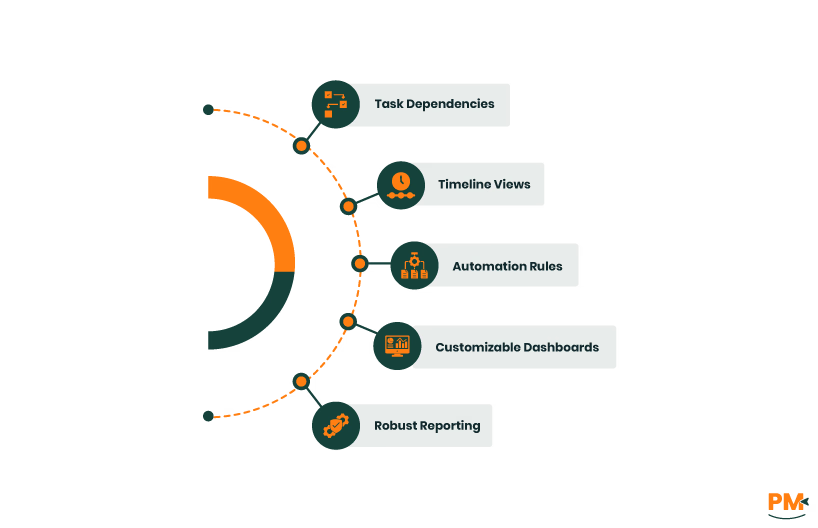
- Team Size: Mid-to-large teams, project managers, department leaders
- Use Case: Managing multiple interdependent projects with advanced workflow needs
- Key Features:
- Task dependencies
- Timeline views
- Automation rules
- Customizable dashboards
- Robust reporting
- Benefits:
- Centralized communication
- Visibility across complex initiatives
- Deep integration with enterprise tools
- Scalable project tracking infrastructure
Ideal for: Organizations requiring comprehensive collaboration and advanced project management capabilities.
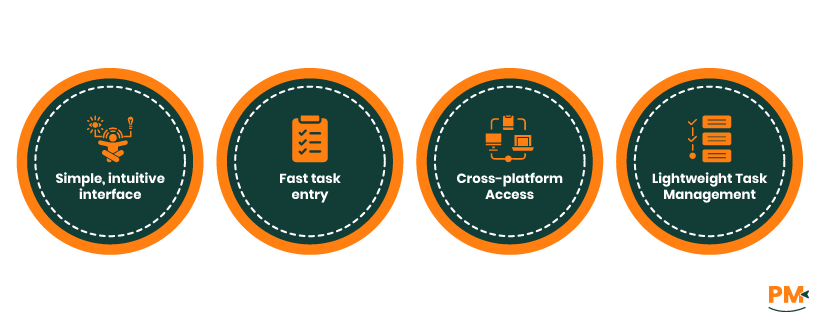
- Team Size: Solo professionals, freelancers, productivity enthusiasts, small teams
- Use Case: Managing personal to-dos, daily routines, and simple team collaboration
- Key Features:
- Simple, intuitive interface
- Fast task entry
- Cross-platform access
- Lightweight task management
- Benefits:
- Clear overview without complex features
- Streamlined, no-fuss productivity
- Focus on personal and small-scale teamwork
Ideal for: Individuals and small groups seeking a straightforward, efficient task manager.
When deciding between Asana vs Todoist, the best choice depends on your team’s size, workflow complexity, and collaboration needs. If you manage large projects requiring detailed planning, automation, and cross-team coordination, Asana’s feature-rich platform is likely a better fit.
On the other hand, if you’re a small team or individual who values simplicity and quick task management without heavy overhead, Todoist may be the ideal solution. We recommend testing both tools to see which aligns best with your workflow preferences and productivity goals before making a final decision.