When it comes to choosing the right project management tool, ClickUp vs Trello is a comparison many teams find themselves making. Both platforms are widely used, but they serve productivity needs in very different ways.
Whether you're managing a remote team, organizing a product roadmap, or simply trying to stay on top of daily tasks, finding the right tool can make or break your workflow. ClickUp is known for its all-in-one platform with deep customization and advanced features, while Trello offers a streamlined, card-based system that's easy to adopt and great for visual thinkers.
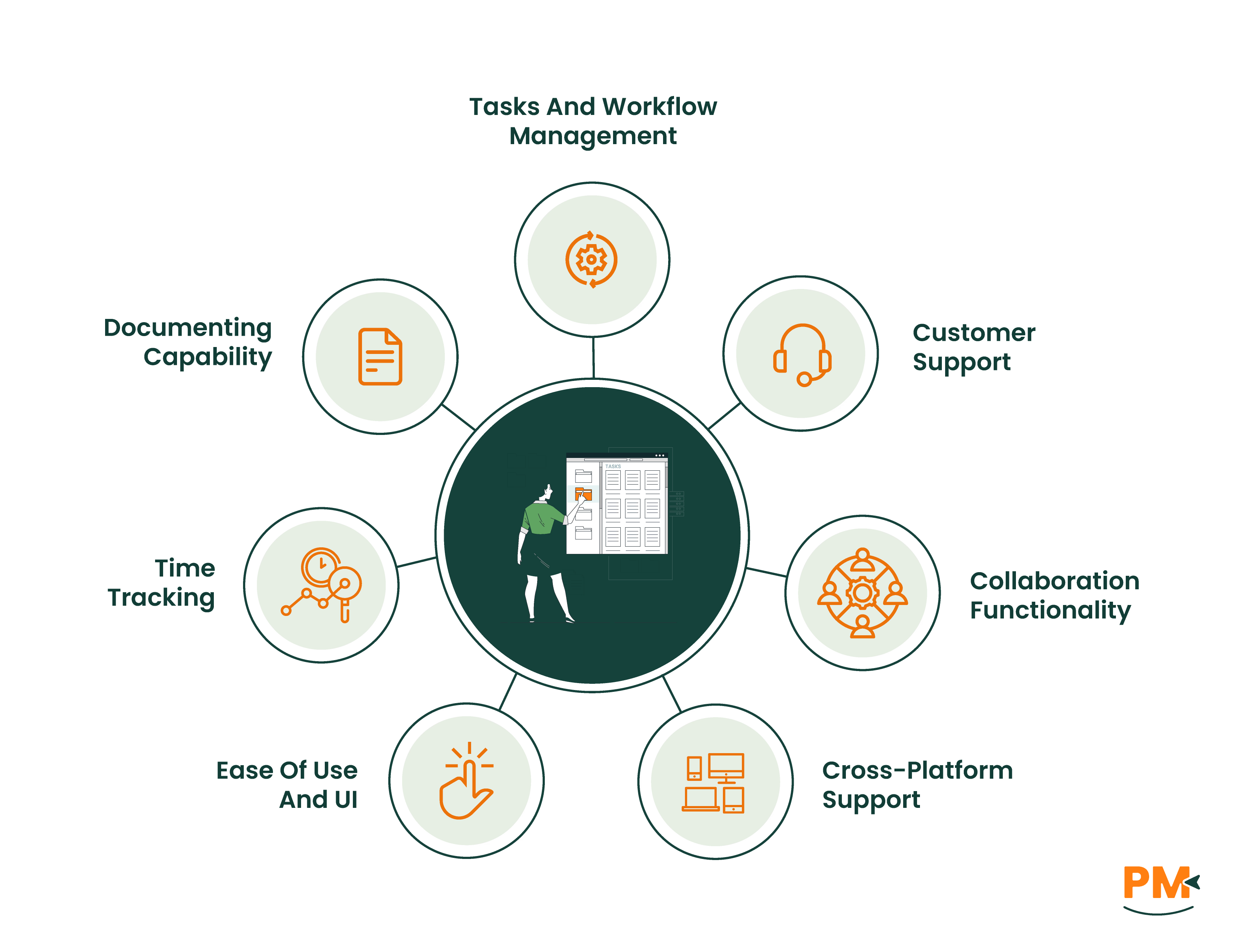
In this guide, we’ll break down the core differences between ClickUp and Trello—covering features, pros, cons, pricing, integrations, and more. If you're deciding which platform best fits your team’s needs, this side-by-side comparison will give you the clarity to choose with confidence.
ClickUp Overview
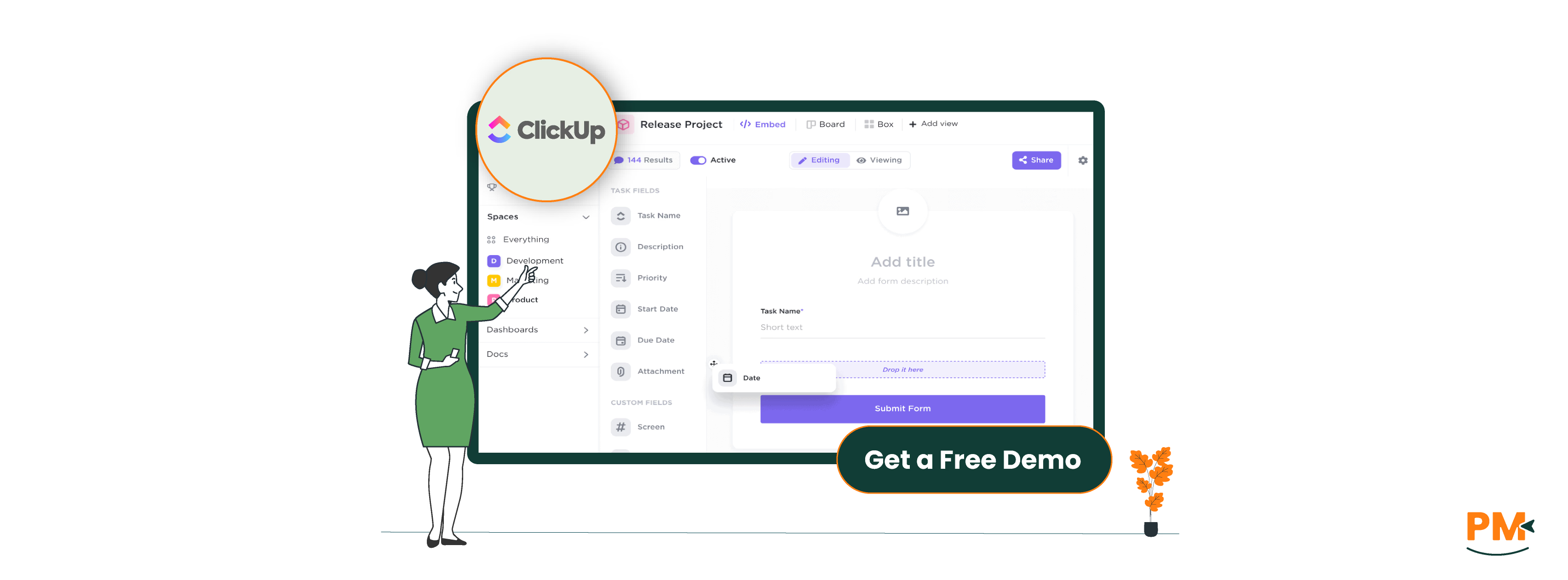
ClickUp is a powerful, all-in-one productivity platform designed to centralize work for teams of all sizes. Built to replace multiple tools, ClickUp offers a robust feature set that includes task management, docs and wikis, time tracking, dashboards, goals, and customizable workflows. Users can create detailed task hierarchies using spaces, folders, and lists, making it easy to organize complex projects across departments.
Ideal for project managers, remote teams, and fast-growing startups, ClickUp is built with collaboration and scalability in mind. The platform supports real-time chat, integrations with popular tools like Slack, Google Drive, and Zoom, and granular permissions to keep projects secure and organized.
ClickUp's flexibility is one of its standout strengths—users can tailor views (List, Board, Gantt, Calendar, and more) to match their preferred workflow.
ClickUp Pros And Cons
Pros
Cons
Highly customizable task views and workflows
Granular user permissions and role settings
Scalable for teams of all sizes, from startups to enterprises
Interface can feel cluttered for new users
Requires consistent setup and maintenance to stay organized
Trello Overview
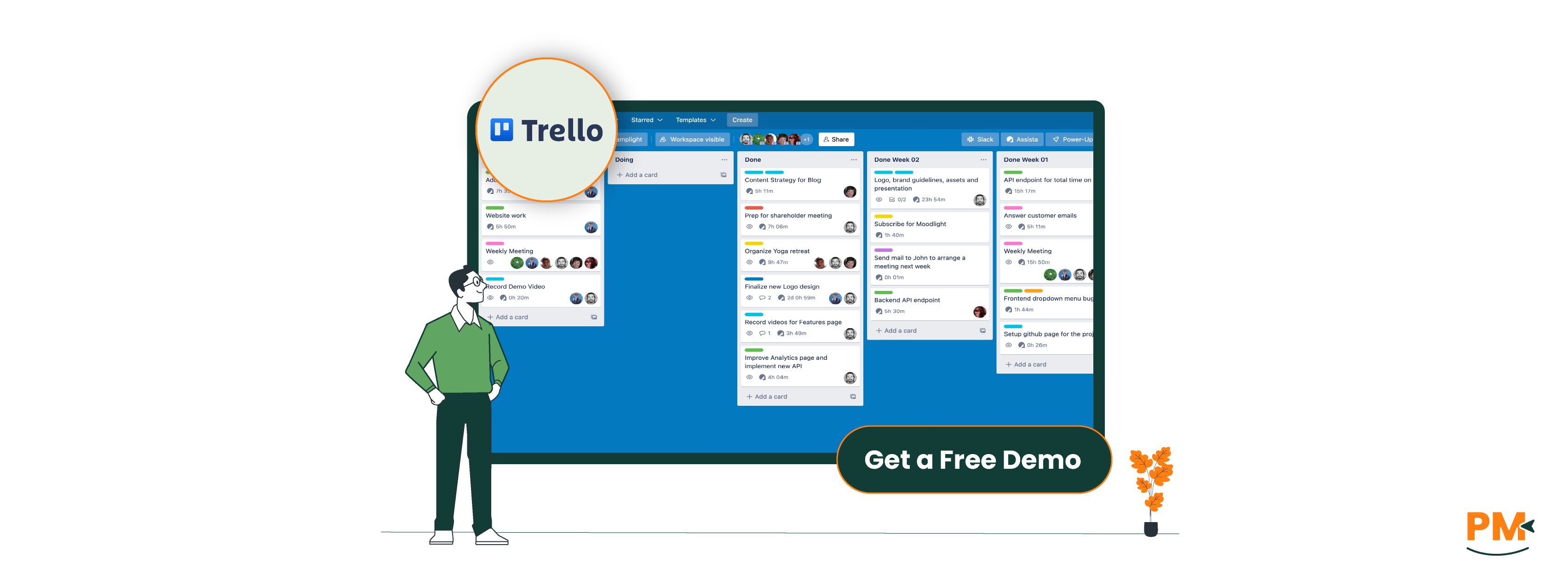
Trello is a visual project management tool built around the simplicity of Kanban boards. Users organize tasks into cards, which move across columns representing different stages of a workflow—ideal for planning, tracking progress, and collaborating in a straightforward way.
Trello's strength lies in its ease of use. Getting started is fast and intuitive, making it a popular choice for individuals, freelancers, and small teams who want to stay organized without the overhead of complex systems. It’s especially well-suited for visual planners and creative workflows like content calendars, editorial pipelines, or event planning.
Core features include drag-and-drop task cards, checklists, attachments, comments, and integrations with tools like Google Drive, Slack, and Jira. Trello’s automation engine, Butler, allows users to set up rules and triggers to streamline repetitive tasks—without writing code.
While Trello shines in simplicity, it may lack the depth needed for complex project management, making it better for lighter use cases or as part of a broader productivity stack.
Trello Pros And Cons
Pros
Cons
Quick setup with minimal learning curve
Visual Kanban-style workflow ideal for task tracking
Butler automation simplifies recurring tasks
Limited native features for advanced project management
No built-in docs, goals, or time tracking tools
Tasks And Workflow Management
ClickUp
ClickUp offers a highly structured task management system, built around a hierarchy: Workspaces > Spaces > Folders > Lists > Tasks. This layered setup gives teams granular control over how work is organized—ideal for managing large or complex projects across multiple departments.
Users can create custom task statuses (e. g. , "In QA," "Awaiting Feedback"), add subtasks and checklists, and assign multiple assignees. Views are a major strength: choose from List, Board, Gantt, Timeline, Calendar, or even a Workload view to tailor how you visualize work.
Because of its flexibility and depth, ClickUp suits teams that need structured project tracking, custom workflows, and multi-step approvals—especially in operations, product development, or remote PM environments.
Trello
Trello keeps task management simple and visual, using a Kanban board system where tasks are represented as cards that move across columns (e. g. , "To Do," "Doing," "Done"). This approach is intuitive and quick to set up, perfect for individuals or small teams managing straightforward workflows.
Each Trello card can include due dates, labels, attachments, checklists, and comments. The Butler automation tool adds rule-based automation (like moving cards, sending reminders, or assigning team members) to help streamline recurring actions.
Trello excels for those who value clarity and speed over complexity, such as freelancers, marketers, or event planners managing simple task pipelines.
Customer Support
ClickUp
ClickUp provides live chat support, an extensive help center, video tutorials, and a large community forum. Paid plans include priority support, while Enterprise customers receive dedicated onboarding and success managers. Response times are generally fast, especially via live chat.
For new users, ClickUp offers a self-paced onboarding hub and in-app guides, making it easier to get up to speed despite the platform’s complexity. The ClickUp Community and webinars are also valuable for peer learning and tips.
Trello
Trello’s support is more limited but still reliable. Users can access email support, a detailed help center, and the broader Atlassian Community, which covers all Atlassian tools. Trello Premium users get priority email support, but there’s no live chat or direct onboarding support.
The platform’s simplicity often reduces the need for deep support—but for growing teams or more complex use cases, the lack of live or personalized help can be a constraint.
Collaboration Functionality
ClickUp
ClickUp supports real-time team collaboration with features like in-task comments, chat threads, collaborative docs, and assigned comments. You can also tag teammates, mention tasks, and assign multiple users to a single task or subtask.
For external collaboration, ClickUp offers guest access with controlled permissions, ideal for working with clients or contractors. Real-time editing in Docs and embedded task links make it easy to create living documentation that ties directly to projects.
These capabilities make ClickUp well-suited for distributed teams that need to collaborate asynchronously or manage detailed, ongoing projects.
Trello
Trello’s collaboration features are minimal but effective. Users can add comments, mention teammates with @mentions, and easily share boards or cards. Collaboration is simple and best for use cases where communication is light and task ownership is clear.
However, Trello lacks real-time doc editing or robust permission controls—making it better for small teams or solo users than large, cross-functional ones needing more coordination.
Cross-Platform Support
ClickUp
ClickUp offers robust cross-platform support, with apps available on web, Windows, macOS, Android, and iOS. It also provides a Chrome extension for quick task capture, time tracking, and email integration, as well as a comprehensive public API for custom workflows and third-party integrations.
The desktop and mobile apps mirror the web experience closely, though some users note that the mobile app can feel less responsive on complex workspaces. For teams working across devices and environments—especially remote or hybrid teams—ClickUp's broad platform support ensures continuity and flexibility.
Trello
Trello is a browser-based tool at its core, with well-optimized apps for iOS and Android, and optional desktop apps for Windows and macOS. Its mobile and web interfaces are nearly identical, making it easy to switch between devices without a learning curve.
While Trello doesn’t offer an open API at the same scale as ClickUp, it benefits from tight Atlassian integrations (e. g. , Jira, Confluence) and Power-Ups that extend functionality. Overall, Trello’s lightweight architecture keeps performance fast and accessible—even on lower-spec devices.
Ease Of Use And UI
ClickUp
ClickUp’s interface is modern, highly customizable, and packed with features—but that depth comes with a steep learning curve. New users may find it overwhelming at first, especially when configuring views, automations, or custom fields.
However, ClickUp makes up for the complexity with in-app onboarding guides, templates, and a command center to help navigate its rich feature set. For power users or project managers handling layered workflows, ClickUp’s UI offers the control they need—once they get through the initial setup.
Trello
Trello’s visual-first interface is one of its biggest strengths. The layout is clean, with drag-and-drop functionality that makes it immediately approachable—even for non-technical users. Onboarding is minimal, and users can be productive within minutes.
Because it focuses on simplicity, Trello’s UI avoids clutter and complexity, making it a go-to tool for individuals or teams that value clarity and ease of use over deep customization. It’s especially well-suited to freelancers, educators, and creative teams who want a straightforward, visual task manager.
Time Tracking
ClickUp
ClickUp includes native time tracking features out of the box. Users can track time manually or automatically, add time estimates, label tracked time by task or user, and generate detailed reports for billing or productivity analysis. It also supports time tracking integrations with tools like Toggl, Harvest, and Clockify, offering flexibility for teams with established systems.
These features make ClickUp especially valuable for agencies, consultants, or remote teams who need to track billable hours, monitor productivity, or analyze how time is spent across projects.
Trello
Trello does not offer built-in time tracking. However, users can add this functionality through Power-Ups such as Toggl, TimeCamp, or Clockify. While these integrations work well for basic needs, they typically require third-party accounts and may have limited free usage or added costs.
For teams needing robust, centralized time tracking, Trello’s reliance on add-ons can feel fragmented—making ClickUp the stronger choice in this area.
Documenting Capability
ClickUp
ClickUp features a built-in Docs tool, allowing users to create rich-text documents, internal wikis, knowledge bases, and project briefs directly within the platform. Docs support real-time collaboration, task linking, embedding, and nesting, which makes it easy to connect documentation to live project work.
For teams managing internal SOPs, meeting notes, product specs, or client-facing deliverables, ClickUp’s integrated knowledge management helps centralize communication and reduce reliance on external tools like Google Docs or Notion.
Trello
Trello offers lightweight documentation through card descriptions, comments, and checklists, which are useful for simple notes or task instructions. However, it lacks a full-fledged document editor or structured wiki capability.
For more advanced documentation needs, teams often pair Trello with tools like Confluence (from Atlassian) or Google Docs. While this approach works for basic use cases, it introduces tool-switching and limits in-context knowledge sharing.
ClickUp Vs Trello Pricing Comparison
ClickUp
The software offers solution at various prices. Following are the pricing options:
Not ideal for complex team structures or large-scale ops
Which One May Suit Your Needs Better?
When it comes to ClickUp vs Trello, the best choice depends on your team’s complexity, scale, and feature requirements.
Choose ClickUp if you need a powerful, all-in-one workspace with advanced task management, reporting, time tracking, and documentation—all under one roof. It's built for teams that manage high-volume projects, require deep customization, or need to collaborate across departments.
Choose Trello if you prefer a lighter, more visual approach. It’s perfect for individuals or small teams looking for a simple, fast way to manage tasks without the overhead of a more complex system.
There’s no one-size-fits-all solution—the best tool is the one that aligns with your workflow and goals. Whether you need full-scale project management or visual task tracking, both platforms offer strong value.
Still unsure? Try both free plans—they’re robust enough to explore real use cases before committing.
Usman Bashir is a Technical Content Writer specializing in the medical category at SF. With a degree in PharmD, Usman brings deep understanding and passion for medical content. His expertise and dedication to clarity and accuracy make his work stand out. Outside of work, Usman enjoys hiking and capturing the beauty of nature through photography, finding balance and inspiration in nature.
Share this Article
Sign Up
Sign up to stay updated with the new content and expand your HR expertise.
Usman Bashir is a Technical Content Writer specializing in the medical category at SF. With a degree in PharmD, Usman brings deep understanding and passion for medical content. His expertise and dedication to clarity and accuracy make his work stand out. Outside of work, Usman enjoys hiking and capturing the beauty of nature through photography, finding balance and inspiration in nature.