
Managing projects across multiple departments, tools, and timelines often leads to fragmented communication and delayed progress. The function of project management (PM) software is to unify essential operations, enabling users to plan tasks, assign responsibilities, track time, and store documents in a centralized space.
This guide explores the key functions users can perform with project management software—from planning and task assignments to budgeting and integrations; each designed to improve visibility, accelerate execution, and maintain team-wide alignment throughout the project lifecycle.
Project planning tools in modern project management software bring structure, visibility, and control to even the most complex initiatives.
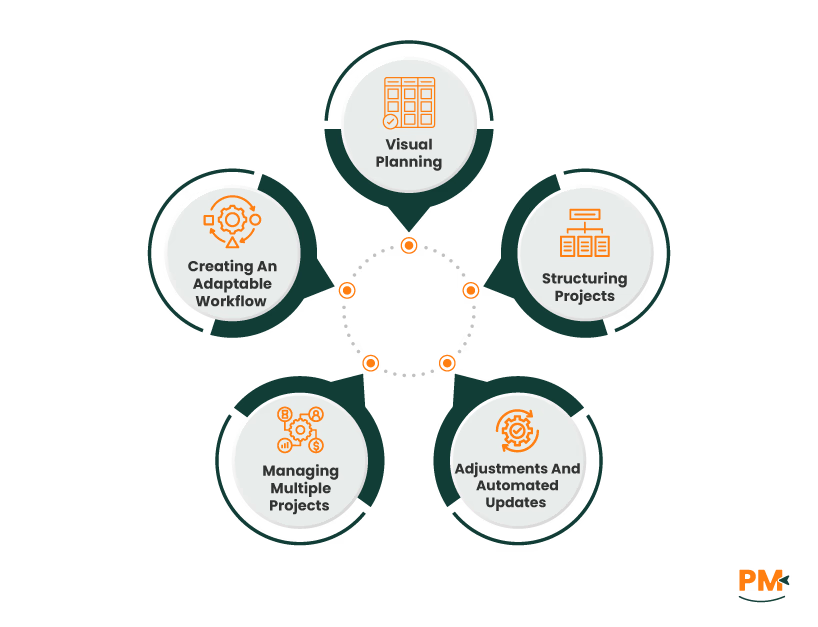
Visual Planning With Gantt Charts And Milestones
Effective planning is the backbone of every successful project. With tools like Gantt charts and milestone tracking, project management software features enable users to map out activities, establish task dependencies, and align delivery schedules with team capacity.
Structuring Projects With Timelines, Roles, And Budgets
Teams can break projects into structured phases, each with defined timelines, roles, and budgets. This software can offer planning interfaces that allow users to assign start and end dates, monitor deadlines, and adjust task sequences when priorities shift. This visibility prevents scheduling conflicts and supports accurate time allocation.
Real-Time Adjustments And Automated Updates
In scenarios such as software development or event planning, visualizing workflows with Gantt charts ensures that everyone understands their responsibilities and timing. Alerts and timeline changes update automatically, helping project managers stay in control.
Managing Multiple Projects Across Departments
These platforms also support multiple concurrent projects, giving teams the flexibility to coordinate deliverables across departments.
Creating An Adaptable And Transparent Workflow
By integrating project management functions into a single timeline interface, users reduce ambiguity and create a workflow that is both adaptable and precise.

Project teams rely on clear visibility and structure to stay productive. One key function of project management software is to enable users to break down complex goals into manageable tasks. These can be organized as checklist items, Kanban cards, or detailed list of views to accommodate different work styles.
With drag-and-drop Kanban boards, users can prioritize, reassign, and complete tasks in real time. Task cards may include due dates, comments, subtasks, file attachments, and dependencies. These features reduce confusion by making ownership and timelines clear across the team.
Automated notifications and recurring tasks keep projects moving forward without the need for manual reminders, while labels and progress indicators help teams identify what's urgent or delayed. Many platforms also support color-coded stages and filters, letting users group tasks by assignee, priority, or deadline.
Whether managing a marketing sprint or an internal rollout, these project management software features ensure everyone knows what's next, keeping execution focused and timelines on track.
Project management software supports capacity planning by visualizing workloads, availability, and future demand in real time. Managers use dashboards and heatmaps to identify resource constraints or underutilization across multiple teams and projects. Visual cues help balance workloads before bottlenecks affect delivery timelines.
Teams can simulate ‘what-if’ allocation scenarios to preview the impact of reassignments or deadline changes. By adjusting resource allocations through drag-and-drop scheduling interfaces, users can shift workloads across projects without disrupting priorities. Skill-based filters further ensure that resources are matched to the right task, maximizing efficiency.
This level of visibility into human and material capacity highlights a core function of project management software: maintaining control over resources across changing project landscapes. These project management software features ensure that data and operationally viable information inform planning decisions.
Project management software includes built-in time tracking tools that let users log hours by task or project phase. Employees can start timers or enter hours manually, ensuring accurate recording of billable and non-billable time. These logs support payroll processing and generate data for project cost control and invoicing accuracy.
Cost fields such as hourly rates and budgets are integrated directly into the task structure. Project managers can assign fixed hourly cost rates or define hourly budgets, allowing for real-time visibility into actual spending. Expense entries are linked to specific tasks, and data flows into budget and profitability reports. These insights enable continuous monitoring of contribution margins, income, and overall financial performance.
This level of financial tracking reflects a key function of project management software—maintaining cost accuracy while supporting operational decisions with real-time data.
Project management software features support real-time communication by embedding tools like task-specific comments, @mentions, and file sharing directly within the workspace. Teams can hold discussions under each task using comment threads and even pin summary updates to maintain clarity amid long conversations.
Integrated messengers enable users to create secure channels or group chats that replace email chains. In contrast, features such as chat history search, polls, and emoji reactions humanize day-to-day exchanges. For virtual meetings, team members can initiate video calls directly from tasks or calendar events, complete with screen sharing and AI-generated transcripts.
Slack integrations further enhance collaboration by letting users create and edit tasks without switching platforms. Many tools also support syncing updates, assigning teammates, and linking related tasks from within the Slack interface. These features help teams stay aligned and reduce communication silos.
Project management software allows teams to upload contracts, mockups, or reports directly into project dashboards or task spaces, keeping everything centralized and accessible to authorized users. Shared databases store documents in real time, ensuring project details remain up to date across locations. Employees can manage communication, notes, and attachments within each project, eliminating the need for scattered emails or file versions.
Permission-based access ensures that only authorized team members can view or edit specific documents, thereby maintaining confidentiality and ensuring document integrity. File-sharing features also support communication across departments without duplication. As a core function of project management, centralized document control allows contributors to work efficiently while maintaining full context over timelines and deliverables.
Project dashboards present critical metrics, such as cost variance, workload, and overdue tasks, in a real-time, visual format that helps decision-makers track progress and performance at a glance. Widgets display live updates using charts, color-coded progress bars, and health indicators to reflect whether a project is on track, delayed, or over budget.
Managers use filters to customize views, depending on the stakeholder. For instance, Project managers may focus on task-level detail and time spent, while executives can access portfolio-wide summaries across cost, timeline, and resource metrics. This strategic segmentation enables accurate oversight and faster response to deviations.
Project dashboards also include workload analysis views, allowing leaders to see each team member's assignments and outstanding items, thereby preventing bottlenecks. For added convenience, dashboards can be printed or shared digitally, supporting transparent communication with clients or internal stakeholders.
As part of essential project management functions, these features give managers complete visibility and control. Combined with broader project management software features, dashboards ensure all contributors are aligned around shared goals.
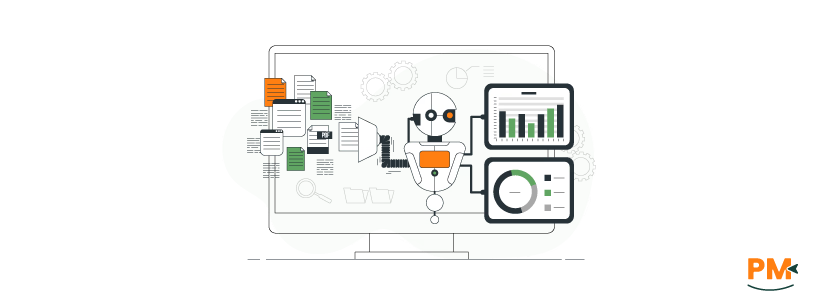
Automation tools in project management software enable "if-this-then-that" logic to streamline repetitive tasks. Users can configure rule-based workflows that automatically assign tasks, send status updates, or move items across project stages based on specific triggers, such as status changes or time-based milestones. For example, when a task reaches the "Review" stage, an automated rule can instantly notify the assigned reviewer, update the task status, and set a deadline.
These actions require no coding and can be managed through intuitive visual dashboards. Administrators can also automate file transfers, send callbacks to third-party systems, or archive completed projects after predefined periods. These dynamic workflows reduce manual errors, increase consistency, and free up staff time for billable work, making automation a core function of project management software.
Project management software enables teams to track budgets in real-time by comparing planned figures with actual expenditures at every phase of execution. Cost data fields are integrated into project tasks, helping teams forecast expenses, monitor overruns, and make timely adjustments. Visual budget widgets display financial indicators, including expense categories, allocation charts, and running totals. Automated invoicing features enable users to generate full or partial invoices based on completed work and link them directly to project phases. Approval workflows support multi-level financial review, preventing unapproved spending and improving oversight. Users can also assign payment deadlines and billing milestones within the project interface, keeping revenue cycles on track. These project management software features ensure financial control remains visible and actionable throughout the project lifecycle.

Project management software features include a two-way calendar syncing with Google and Outlook. Tasks scheduled with dates and durations are reflected as events in connected calendars. Updates such as renaming a task or changing its time instantly apply both ways.
This ensures users see accurate schedules whether inside the software or their calendar. Tasks marked complete remain visible with a checkmark. Color-coded views and event blocks help users organize their day. Shared visibility supports coordination across teams. Alerts tied to scheduled events improve task follow-through. Calendar changes in Google or Outlook are also synced back to the software.
Project management software features include structured risk registers for identifying, categorizing, and prioritizing project risks. Users can assign risk owners, rank severity, and link each risk to a response type—such as avoid, transfer, mitigate, or accept—based on probability and impact. Issues like software bugs during a release can be flagged, assigned, and tracked using resolution workflows and contingency buffers. Visual tools such as Gantt charts and calendars reveal time gaps for mitigation planning. These project management functions support proactive control, enabling teams to monitor unresolved risks and respond with predefined templates, approvals, and alerts.
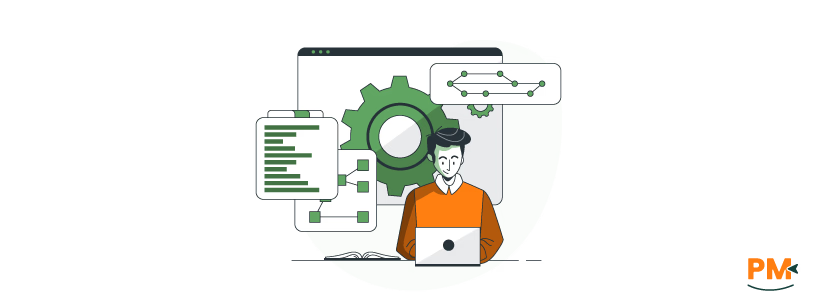
Project management software features now support native integrations that streamline workflows across teams. Gmail integration lets users convert emails into actionable tasks, keeping communication and project updates in sync. Slack connections allow real-time messages to trigger task updates or notify assignees when a project changes.
With Toggl, time entries automatically attach to projects, enabling precise tracking and reporting within the same dashboard. Google Drive integration provides seamless access to shared files, ensuring teams collaborate on the most recent versions without manual uploads. HubSpot CRM integration syncs contact details and pipeline stages, giving project managers complete visibility into customer-related tasks and timelines. These unified systems reduce app switching and ensure all project data stays centralized.
Project management software features on mobile apps like ClickUp allow users to create tasks, assign teammates, comment, edit fields, and view dashboards directly from their devices. Trello supports offline creation of boards and cards, making it suitable for teams in low-connectivity areas. Asana enables offline task completion, status updates, and notifications, which sync once reconnected to the internet. These mobile capabilities support real-time updates, even in the field, while preserving essential tasks and communication flows for distributed teams.
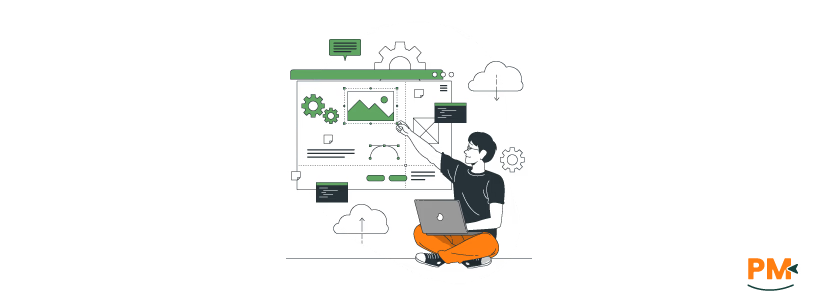
Project management software features such as customizable dashboards, task views, and user-specific permissions allow teams to tailor their workspaces as roles evolve, or project complexity increases. Templates can be modified to suit departmental workflows, while personalized dashboards adapt to user preferences for better clarity and control.
Many tools support scalable architecture, enabling expansion from small internal teams to large, client-facing projects without disrupting existing systems. Administrators can assign distinct user roles to manage access levels, ensuring security and clarity in cross-functional environments. These features help maintain workflow consistency as teams grow or take on more complex projects across different industries or departments.
FAQs
What core tasks can PM software handle?
Project management tools allow users to assign tasks, schedule deadlines, collaborate on documents, track time, and manage resource workloads from a central workspace.
Is time tracking built-in?
Yes. Platforms like MyHours and Paymo include built-in time trackers that log billable hours by client, project, or task, and support invoicing with detailed logs.
Can I manage budgets and expenses?
Many tools feature cost tracking linked to time entries or task completion, giving you a view of project profitability and budget thresholds.
Do PM tools support task comments and file sharing?
Yes. Platforms support threaded comments, version control, and cloud storage integrations to enable real-time collaboration.
Which integrations are essential?
Slack , Google Drive, and Zapier integrations reduce app-switching and support centralized communication, file access, and automation.