

In today's ever-evolving business landscape, delivering projects on time and within budget is essential for long-term survival. As such, project management (PM software) has become an indispensable tool for organizations ranging from startups to global enterprises. It modernizes how teams manage projects by offering centralized, real-time planning, coordinating, and tracking work, across different teams and projects, all of which directly boosts project outcomes and return on investment.
Rather than relying on scattered emails, bulky spreadsheets, and disconnected tools, modern PM solutions unify everything managing teams need in one place. This empowers project managers to transform chaos into clarity, ensuring nothing slips through the cracks.
This article covers in detail the importance of project management tools and how they help streamline processes.
One of the primary reasons projects sometimes don't follow through is poor communication between teams, or team members. PM software bridges this gap by offering various channels for seamless collaboration. These include:
- Centralized Messaging: Integrated chat, comment threads, and discussion boards keep every conversation linked with tasks or projects. Eliminating the need of digging through inboxes for crucial updates
- File Sharing: Attachments are shared directly to team members working on tasks or projects. This ensures the team always has access to the latest versions, reducing confusion and control issues
- Real-Time Notifications: Immediate alerts inform team members about task assignments, status changes, or approaching deadlines, promoting responsiveness and accountability
Examples of this include tools like Slack , Microsoft Teams (when integrated with PM platforms like Asana or Monday. com ), and built-in chat features that allow all team members, from remote workers to in-office staff, to stay aligned with project needs and to contribute effectively.
Key Benefits Of Improved Communication

Below are some of the key benefits that come with improving communication across your organization:
- Reduced miscommunication and task mismanagement
- Quicker problem resolution
- Stronger team relationships, regardless of location
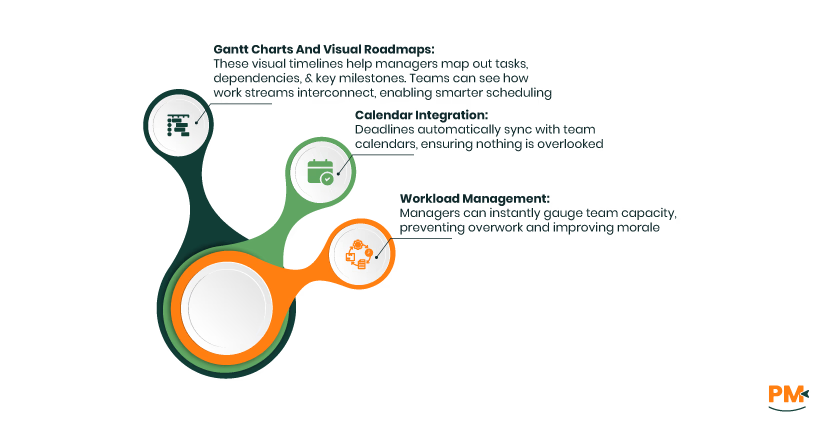
Different projects can often be dynamic, and drastically different, and effective planning is at the heart of every successful initiative. Modern PM software offers a pantheon of powerful tools for mapping out projects and resource allocation:
- Gantt Charts And Visual Roadmaps: These visual timelines help managers map out tasks, dependencies, and key milestones. Teams can see how work streams interconnect, enabling smarter scheduling
- Calendar Integration: Deadlines automatically sync with team calendars, ensuring nothing is overlooked
- Workload Management: Managers can instantly gauge team capacity, preventing overwork and improving morale
How PM Software Helps
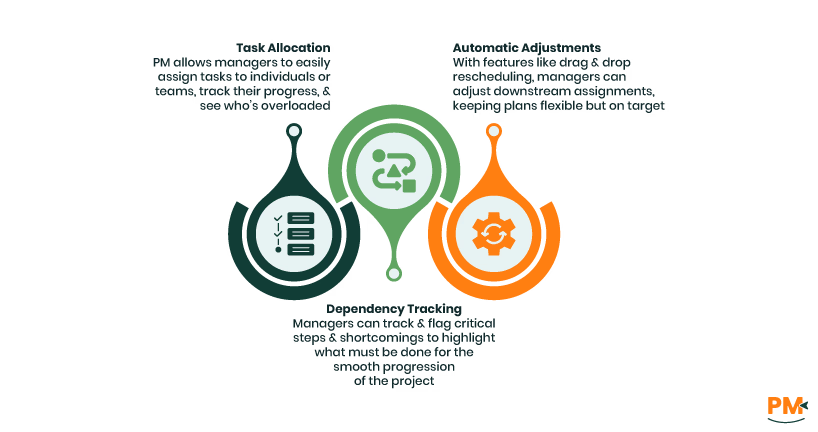
PM software helps teams manage tasks in many ways, but its use is multidimensional, in the way that it provides universal support to all members of the team, across the board. It gives managers the ability to create a pipeline for project completion.
- Task Allocation: PM allows managers to easily assign tasks to individuals or teams, track their progress, and see who’s overloaded
- Dependency Tracking: Managers can track and flag critical steps and shortcomings to highlight what must be done for the smooth progression of the project
- Automatic Adjustments: With features like drag-and-drop rescheduling, managers can adjust downstream assignments, keeping plans flexible but on target
Scattered documentation and disorganization often lead to loss of files, confusion, and additional work. PM software serves as the single source of truth for all project information:
- Centralized Storage: Every file, conversation, and decision are attached directly to the relevant project or task, and maintained in the system
- Version Control: Automated task tracking prevents accidental overwrites and makes it easy to roll back to earlier document versions to track development and changes
- Permission Controls: Managers can also limit access to sensitive data, ensuring privacy and compliance
Advantages Of Organized Data
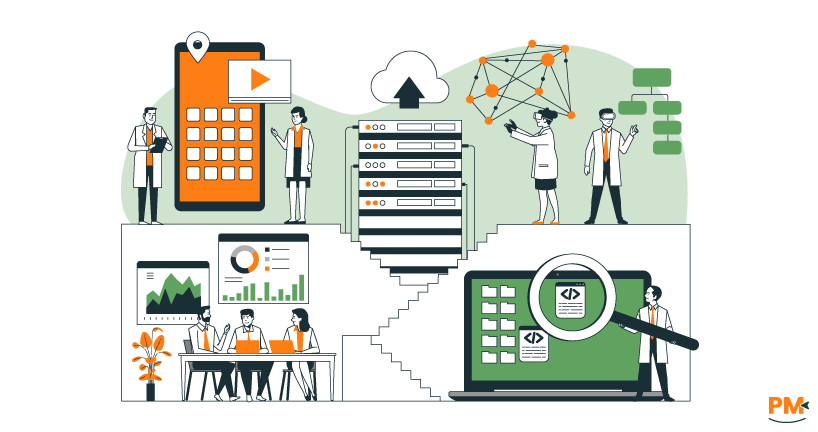
When information is easy to find and manage, teams can focus more on progress and less on searching through scattered records. Here are some key advantages of maintaining organized data:
- New team members can catch up faster with easy access to previous project history
- Audits and reviews are streamlined due to complete and trackable records
- Project knowledge is retained, supporting a smooth continuity through staff changes or project handoffs
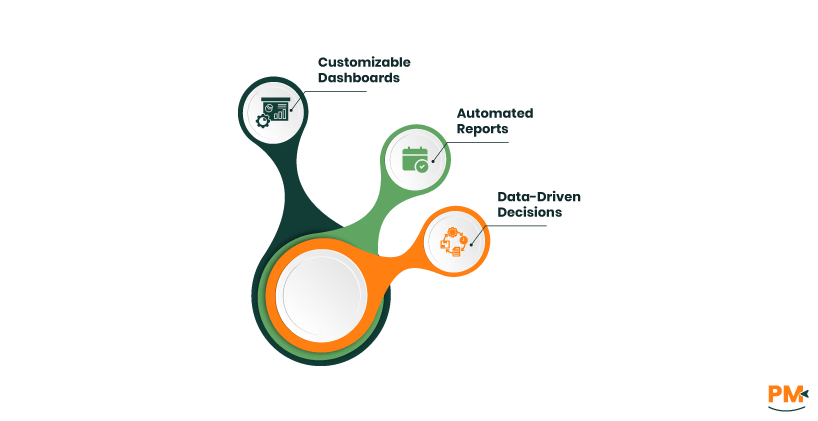
Initially, status updates relied on time-consuming manual reporting, and that could lead to errors and mismanagement. PM software leverages real-time dashboards and analytics to provide comprehensive oversight of the project. These tools offer:
- Customizable Dashboards: These dashboards allow managers to track project status, team workload, budget usage, and upcoming deadlines immediately
- Automated Reports: PM software generates weekly and monthly reports for stakeholders without the need for manual labor
- Data-Driven Decisions: Team leads can identify trends or bottlenecks early in the project, allowing for swift course corrections and adjustments
These features give managers the ability to address challenges before they escalate, boosting project success rates and in turn, client satisfaction.
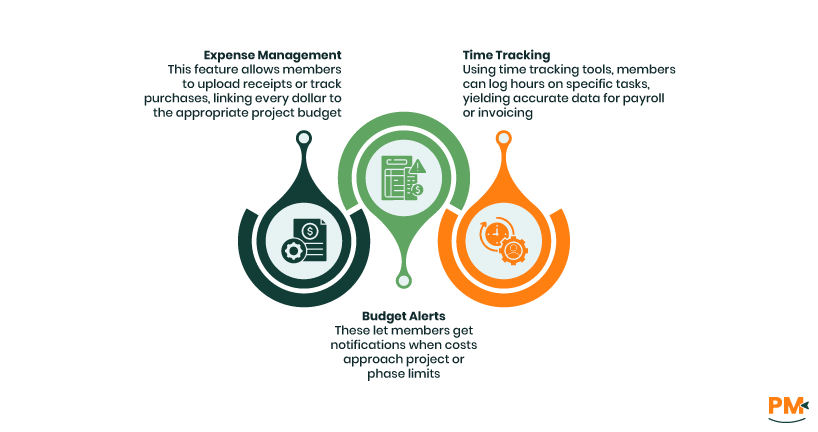
Cost overruns and missed deadlines often erode the profitability of some projects. PM software offers built-in controls to track time and expenses throughout the entire lifetime of the project. These include:
- Time Tracking: Using time tracking tools, members can log hours on specific tasks, yielding accurate data for payroll or invoicing
- Expense Management: This feature allows members to upload receipts or track purchases, linking every dollar to the appropriate project budget
- Budget Alerts: These let members get notifications when costs approach project or phase limits
Financial Benefits Of PM Software
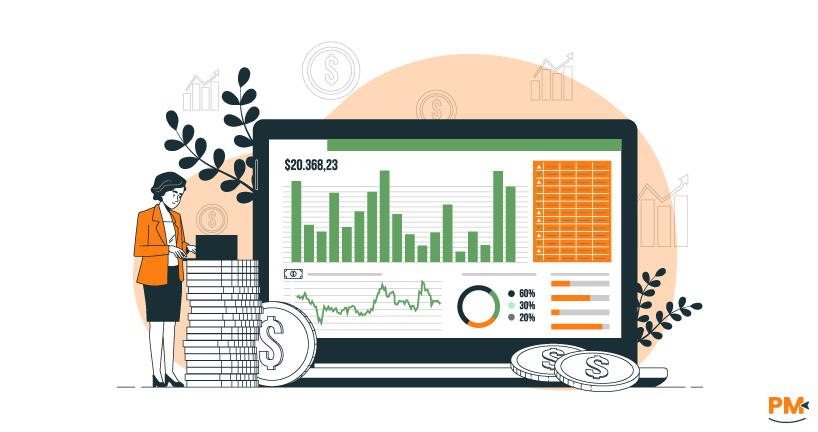
Here are some of the top financial benefits of using PM software:
- Easier client billing with detailed timesheets and cost breakdowns for entire project
- Tighter cost control via immediate insights into actual vs. budgeted spending models
- Improved forecasting on resource needs and project feasibility
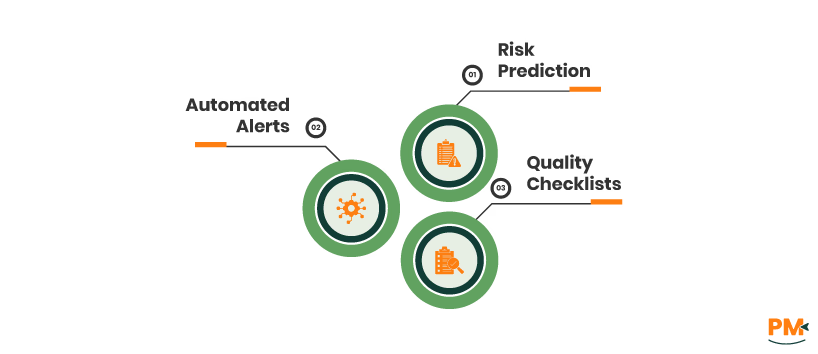
When it comes to extensive projects, issues and risks are almost unavoidable, but PM software helps teams address these setbacks before they threaten the overall project outcome. It includes:
- Risk Prediction: All potential and current risks are evaluated, assigned to team members for resolution, and tracked throughout the process
- Automated Alerts: The system notifies managers about overdue tasks, missed deadlines, or detected issues in real time
- Quality Checklists: PM software enforces consistent standards on deliverables before project closure.
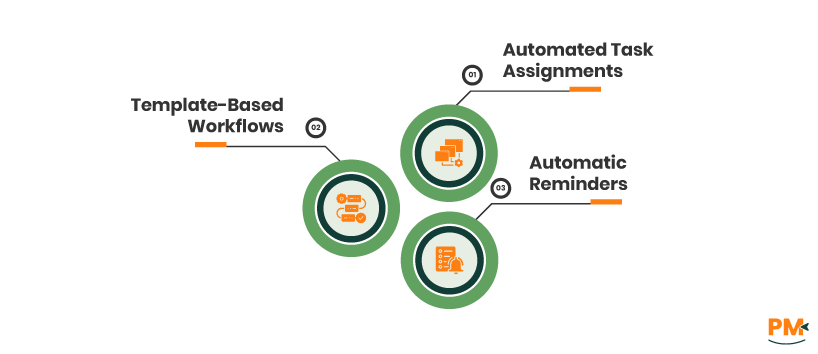
Labor-intensive, manual processes slow down teams and may introduce errors into the project. PM software uses automation to keep projects moving while saving time for teams by dealing with repetitive tasks. It helps with:
- Automated Task Assignments: New task assignments get triggered automatically based on previous completions, and performance
- Template-Based Workflows: It helps with standardized onboarding, approvals, or recurring processes, ensuring consistency in the workflow
- Automatic Reminders: PM software reduce the mental load on managers and staff to keep track of all projects manually
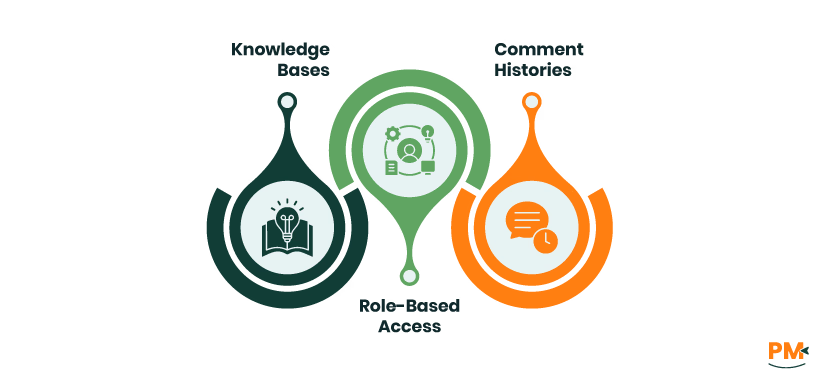
As staff join or leave, organizations risk losing vital project knowledge and growth due to individual responsibilities being compromised. PM platforms mitigate this by providing structured and easily accessible documentation of all tasks as well as a log of individual work.
- Knowledge Bases: With a detailed database of knowledge, PM software can create FAQs, how-to guides, or standardized process docs to guide teams
- Comment Histories: Every decision or clarification is logged within relevant tasks, and maintained in a log for easy access
- Role-Based Access: The system can assign appropriate access levels to new users, maintaining security while fostering learning and retention of data
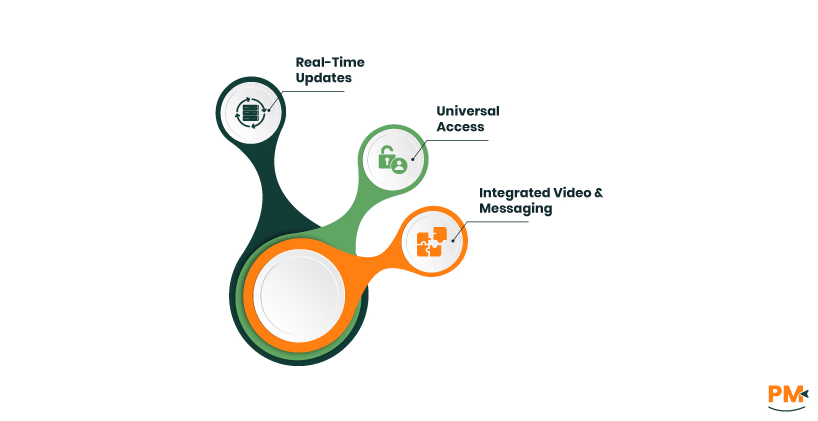
Remote and hybrid teams working on unconventional timetables are often stakeholders in many projects, and with manual collaboration, communication gaps may exist. PM software acts as a virtual headquarters, tying together distributed teams, and providing a shared work log. It offers:
- Real-Time Updates: PM software allows teams to synchronize changes and progress across all users instantly, keeps distributed teams on the same page when it comes to project growth
- Universal Access: Cloud-based PM tools work from any device, anytime, anywhere, giving remote teams mobile access to work logs and communication
- Integrated Video And Messaging: It offers built-in or connected video conferencing and chat tools ensure full communication capability between teams
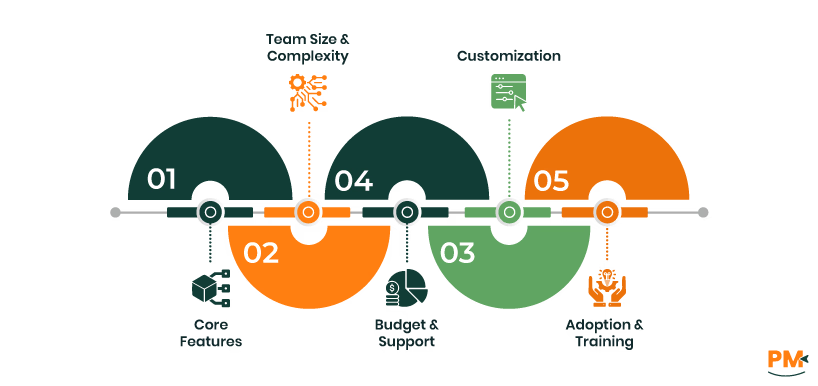
The right PM software should fit the unique needs of your business and recurring projects. Here’s how to select a PM tool that boosts outcomes instead of possibly hindering progress.
- Core Features: Select a PM software that ensures essential features like task management, document sharing, reporting, and integrations with existing platforms (email, calendars, CRM, etc.)
- Team Size And Complexity: Scalable solutions are integral to the choice of the right PM tool. Start with user-friendly tools for small teams that ensure room for growth
- Budget And Support: Explore both upfront and recurring costs of the software, including set-up and add-on costs. Consider available customer support and user community
- Customization: Flexible settings, templates, and advanced automation can future-proof your investment, and allow teams to handle the complexities of ant project with ease
- Adoption And Training: Choose an intuitive interface with comprehensive onboarding resources and help options, and guides your team through its use and retention
What is project management software used for?
PM software is used for planning, tracking, collaboration, reporting, and streamlining every phase of the project lifecycle so teams can deliver work on schedule.
Can PM software reduce project failure risk?
Yes. By centralizing information, issuing timely reminders, helping managers balance workloads, and highlighting risks or delays as they arise, PM tools significantly lower the likelihood of project failure.
Do small teams need PM software?
Absolutely. Even smaller teams are vulnerable to miscommunication and loss of data.
Is a PM tool a substitute for meetings?
No, while PM software greatly reduces the need for redundant status meetings and encourages asynchronous work, it can’t fully replace the value of real-time discussions and follow-ups.
How does reporting improve project oversight?
Live reporting provides instant insight into a project’s progress, resource allocation, risks, and budgets, enabling project leaders to spot and address issues before they become critical to the project.
Why is project management software important?
PM software is important because it provides a singular database for all data related to project development and stands as a hub for effective communication between teams.
Why do you recommend project management software?
It centralizes project info, improves team collaboration, and streamlines planning, making projects easier to manage and more likely to succeed.
What is the purpose of project management software?
To organize tasks, track progress, and boost teamwork so projects finish on time and within budget.