

When it comes to team productivity, Slack and Asana tackle different challenges with distinct strengths. Slack, the king of real-time communication, keeps teams connected with channels and integrations. Asana, a project management titan, excels in task organization and workflows. Whether you’re chatting through ideas or tracking project milestones, this comparison breaks down their features, pricing, and use cases.
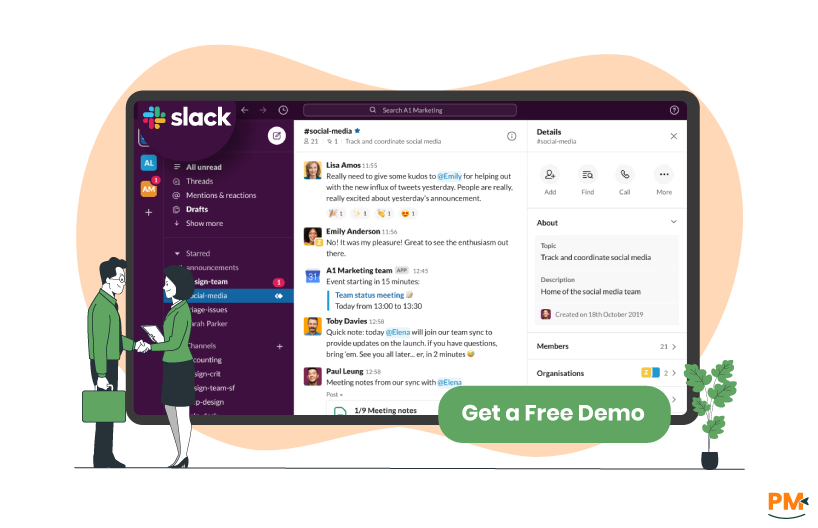
Slack, launched in 2013, is a communication platform trusted by millions for real-time messaging, channels, and file sharing. With 2,000+ integrations, including Asana, it’s a hub for team collaboration, especially for remote and cross-functional teams.
Slack Pros And Cons
Pros:
- Real-Time Communication: Channels and direct messaging for instant collaboration
- Vast Integrations: Connects with Asana, Trello, and Google Drive
- User-Friendly: Intuitive interface for quick adoption
- Free Plan: Generous for small teams with core features
Cons:
- No Task Management: Lacks native project tracking or workflows
- Message Overload: Can become cluttered without discipline
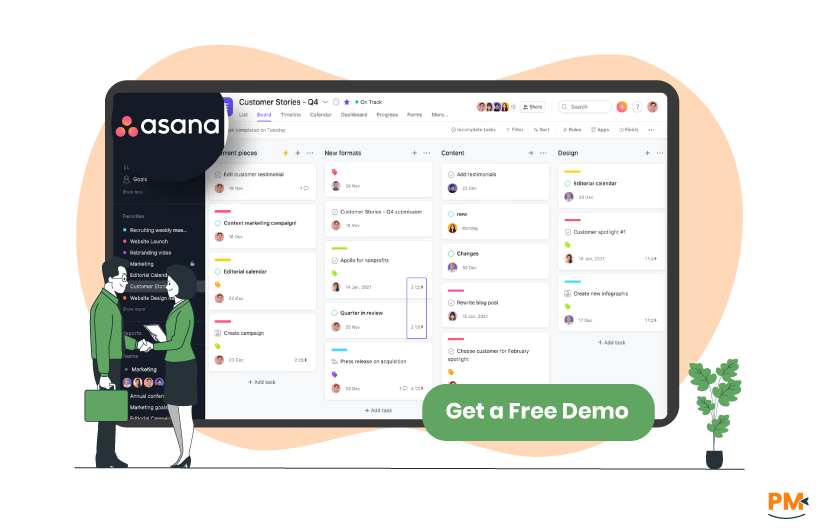
Asana, founded in 2008, is a project management powerhouse used by over 100,000 organizations. It offers Kanban boards, timelines, and 270+ integrations for task management and team alignment, perfect for structured workflows.
Asana Pros And Cons
Pros:
- Robust Task Management: Kanban, Gantt, and list views for projects
- Scalable: Suits small teams to enterprises
- Free Plan: Up to 10 users with core features
- Integrations: Connects with Slack, Teams, and Zoom
Cons:
- No Native Chat: Relies on integrations for real-time communication
- Learning Curve: Complex for non-technical users
- Add-On Costs: Advanced features require premium plans
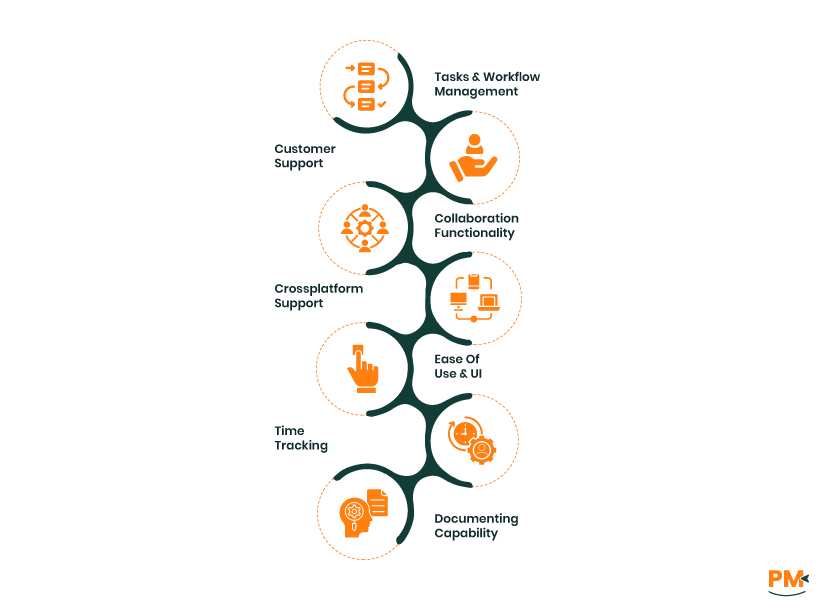
- Slack: Slack doesn’t offer native task management but integrates with tools like Asana to create tasks from messages. It’s best for communication-driven workflows, not structured project tracking.
- Asana: Asana shines in task management with customizable Kanban boards, timelines, and dependencies. It’s ideal for complex projects but requires setup for optimal use.
Slack: Slack offers a help center, community forums, and 24/7 support for paid plans (Pro, Business+, Enterprise). Free plan users rely on community help. Support is fast but less robust for free users.
Asana: Asana provides a help center, forums, and 24/7 support for paid plans (Starter, Advanced, Enterprise). Enterprise users get dedicated managers. Support is reliable but slower for free-tier queries.
Collaboration Functionality
- Slack: Slack excels in real-time collaboration with channels, direct messages, and file sharing. Integrations with Asana and Google Drive enhance project updates, making it ideal for dynamic team communication.
- Asana: Asana supports collaboration via task comments, mentions, and dashboards. Integrations with Slack and Teams add communication, but it lacks native real-time chat.
- Slack: Slack is accessible via web, desktop (Windows, macOS), and mobile apps (iOS, Android). Mobile apps are robust for messaging and notifications, with the web version offering full functionality.
- Asana: Asana supports web, desktop (Windows, macOS), and mobile apps (iOS, Android). Mobile apps handle tasks well but are less suited for admin tasks. The web platform is the core experience.
- Slack: Slack’s interface is clean and intuitive, with channels and threads simplifying communication. It’s beginner-friendly but can feel cluttered with heavy use.
- Asana: Asana’s UI is feature-rich but dense, with customizable views. It’s intuitive for tech-savvy users but overwhelming for beginners. Tutorials help ease onboarding.
- Slack: Slack lacks native time tracking, relying on integrations for time logs. It’s not designed for tracking hours.
- Asana: Asana supports basic time logging via tasks but relies on integrations like Harvest for advanced analytics. Setup is less seamless than dedicated tools.
- Slack: Slack’s documentation is limited to message threads and file sharing. Integrations with Google Docs or Confluence are needed for robust knowledge bases.
- Asana: Asana’s documentation relies on task comments and attachments. Integration with Confluence or Google Drive is required for wikis or collaborative docs.

Feature | Slack | Asana |
Free Plan | 1:1 messages, 90-day message history | Up to 10 users; basic features |
Entry-Level Paid Plan | $8.75/user/month (Pro) | $13.49/user/month (Starter) |
Mid-Tier Plan | $18/user/month (Business+) | $30.49/user/month (Advanced) |
Enterprise Plan | Custom pricing | Custom pricing |
Storage | Varies by plan | Varies by plan |
Support | Community (Free); 24/7 (Paid) | Community (Free); 24/7 (Paid) |
Disclaimer: The pricing is subject to change.
Slack’s free plan is generous for communication, while Asana’s supports small teams for task management. Asana’s paid plans are pricier but offer more project features.
Slack excels for:
- Communication-Driven Teams: Real-time messaging and channels
- Remote Teams: Seamless collaboration across locations
- Integration Heavy Teams: 2,600+ apps for workflows
Asana is perfect for:
- Project-Driven Teams: Robust task and workflow management
- Scalable Workflows: Suits small to enterprise teams
- Integration Lovers: 270+ apps for project alignment
Which One May Suit Your Needs Better?
Slack or Asana? If your team thrives on real-time communication and integrations, Slack’s your hub. For structured project management and task tracking, Asana takes the crown. Many teams pair them—Slack for chat, Asana for tasks. Try their free plans to find your groove.