
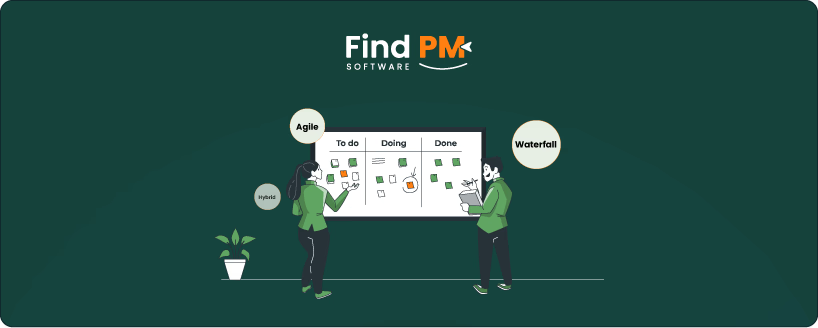
Project management (PM) software comes in different forms to support varying workflows and team dynamics. The three main types—Waterfall, Agile, and Hybrid—each reflect a distinct approach to planning, execution, and delivery.
- Waterfall is best suited for projects with fixed requirements and clear, linear phases
- Agile supports fast-paced, flexible environments where adaptability is key
- Hybrid blends both methods, offering structure with room for iterative improvements
Understanding how these types align with different project styles can help teams choose the right tools, set realistic expectations, and drive better outcomes. This article will walk you through 3 types of project management software types, highlighting their best use cases, key benefits, and potential drawbacks to help you make a more informed choice.
Traditional Waterfall Project Management Software follows a linear, step-by-step approach where each phase—planning, execution, and delivery—is completed before the next begins. These tools are designed to support structured workflows, detailed documentation, and clear timelines.
This type of project management tool is commonly used in industries like construction, engineering, and manufacturing, where requirements are fixed from the outset and changes mid-project can be costly or disruptive. Waterfall tools help ensure accountability, compliance, and predictability, making them ideal for projects with well-defined scopes and rigid deadlines.
Agile project management software is built around flexibility, collaboration, and continuous improvement. Instead of following a fixed path, these tools support iterative development, allowing teams to work in short cycles (or sprints) with regular check-ins and feedback loops.
This approach is especially effective in fast-moving environments like software development, marketing, and creative teams, where priorities can shift and user feedback plays a major role. Agile tools help teams stay adaptable, focus on incremental progress, and respond quickly to change—making them a strong fit for projects that evolve over time.
Hybrid project management software blends the structured planning of Waterfall with the flexibility and responsiveness of Agile. These tools allow teams to define clear goals and timelines while also accommodating iterative workflows, such as sprints or rolling feedback cycles.
They’re especially useful for teams that need a balance—long-term planning at the organizational level with adaptable execution at the team level. Whether you're managing product roadmaps, marketing campaigns, or large IT projects, hybrid tools support a mix of predictability and agility to meet evolving project needs.
Each type of project management software approaches core functions like planning, timelines, task management, and collaboration differently. Understanding these differences can help you choose the right fit based on your team's workflow and project needs. The table below breaks down how Waterfall, Agile, and Hybrid tools handle these key features.
Feature | Waterfall | Agile | Hybrid |
Planning | Upfront, detailed | Evolving, sprint-based | Combination of both |
Timelines | Fixed | Flexible | Fixed goals with flexible execution |
Task Management | Sequential | Iterative | Blend of sequential and iterative |
Flexibility | Low | High | Medium |
Team Collaboration | Top-down | Cross-functional & ongoing | Mix of structured and collaborative |
Different project management software types excel in specific environments depending on project complexity, flexibility needs, and industry requirements. Here are some common real-world examples where each PM type is typically the best fit:
- Waterfall: Used for government projects, construction projects, and manufacturing processes where requirements are fixed and strict compliance is necessary
- Agile: Ideal for mobile app development, marketing campaigns, and creative projects that benefit from iterative progress and rapid feedback
- Hybrid: Suitable for large-scale product rollouts, IT infrastructure upgrades, and enterprise initiatives that require both detailed planning and adaptable execution
Choosing the right project management software often depends on the methodology your team follows. Each project management type demands specific features to support its workflow and goals. Below are some of the most popular tools representing each type, designed to help teams plan, track, and deliver projects effectively.
Best PM Software For Waterfall
Projects using the Waterfall approach require software that supports detailed upfront planning, strict timelines, and clear task dependencies. Features like Gantt charts, resource allocation, and milestone tracking help keep these linear projects on schedule and within scope. This structured environment ensures predictability and control.
- Microsoft Project – Detailed scheduling and resource management with Gantt charts
- Primavera P6 – Enterprise-level planning for large construction and engineering projects
- Smartsheet – Spreadsheet-style interface focused on timeline-driven workflows
Best PM Software For Agile
Agile projects need tools that promote flexibility, collaboration, and fast iteration. Core features include sprint planning, backlog management, and real-time team communication. These help teams adapt quickly, deliver in increments, and continuously improve based on feedback.
- Jira – Widely used for Scrum and sprint planning in software development
- Trello – Visual boards and cards ideal for flexible task management and collaboration
- Asana – Supports agile workflows with customizable project views and real-time updates
Best PM Software For Hybrid
Hybrid projects require software that balances structured planning with adaptability. Tools should offer both timeline views and agile boards to accommodate long-term goals alongside iterative delivery. This flexibility supports complex projects where some parts are predictable and others evolve over time.
- Wrike – Combines timeline planning with agile boards to support mixed methodologies
- Monday. com – Flexible platform for both traditional and iterative project tracking
- ClickUp – All-in-one tool adaptable to waterfall and agile project styles
Each project management approach offers unique benefits and challenges depending on the project’s nature and team dynamics. Understanding these pros and cons can help you select the best model for your project’s specific needs.
Waterfall Model
Pros:
- Provides clear structure and predictable timelines
- Well-defined phases simplify progress tracking and accountability
- Ideal for projects with fixed requirements and regulatory compliance
Cons:
- Inflexible to changes once the project is underway
- Problems may surface late due to sequential testing
- Less suited for projects where requirements evolve
Agile Model
Pros:
- Highly flexible, allowing quick response to changes
- Supports continuous delivery and frequent stakeholder feedback
- Encourages strong team collaboration and adaptability
Cons:
- Can be difficult to predict overall timelines and scope upfront
- Requires disciplined teams familiar with Agile practices
- May lead to scope creep without clear controls
Hybrid Model
Pros:
- Combines the predictability of Waterfall with Agile’s flexibility
- Supports both long-term planning and iterative execution
- Suitable for complex projects involving diverse teams and workflows
Cons:
- Can be complicated to manage and coordinate
- Risk of confusion without clear process guidelines
- May require more effort in training and tool integration to balance both approaches
Feature | Waterfall | Agile | Hybrid |
Planning Flexibility | Low | High | Medium |
Task Visualization | Gantt Charts | Kanban Boards | Both |
Ideal For | Static, well-defined projects | Fast iteration and adaptability | Mixed teams and evolving projects |
Tool Examples | Microsoft Project | Jira, Trello | Wrike, Smartsheet |
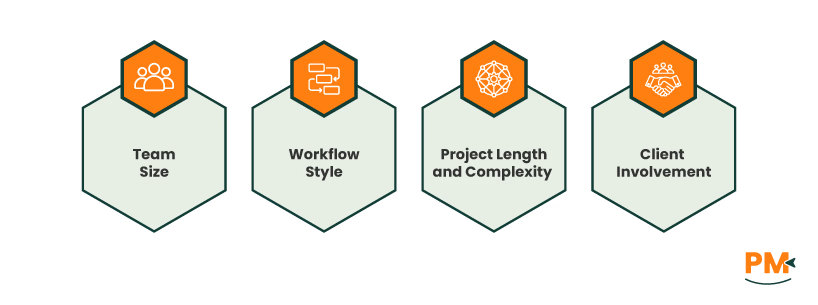
Selecting the right project management type depends on several factors unique to your team and projects. Here are some tips to guide your decision:
- Team Size: Smaller teams that value flexibility often thrive with Agile, while larger teams working on complex, regulated projects may benefit from Waterfall’s structure. Hybrid can suit medium to large teams balancing both needs
- Workflow Style: If your team prefers clear phases and detailed documentation, Waterfall is a good fit. For collaborative, fast-paced work with evolving tasks, Agile works best. Hybrid supports teams needing both planning and adaptability
- Project Length and Complexity: Short, iterative projects with frequent changes lean toward Agile. Long-term, fixed-scope projects usually align with Waterfall. For projects combining fixed deadlines with evolving requirements, Hybrid offers a middle ground
- Client Involvement: Projects requiring regular client feedback and updates benefit from Agile or Hybrid approaches. Waterfall suits projects where client input is limited or fixed early in the process
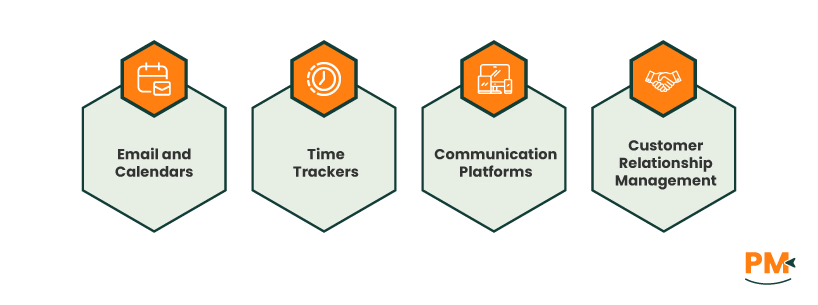
Modern project management software goes beyond basic task tracking by offering seamless integrations with a wide range of tools to enhance productivity and collaboration. These integrations often include:
- Email and Calendars: Sync project deadlines and updates directly with platforms like Outlook or Google Calendar to keep your schedule aligned
- Time Trackers: Connect with time management apps to monitor work hours and improve resource allocation
- Communication Platforms: Integrate with Slack, Zoom, Microsoft Teams, and others to enable real-time conversations, video meetings, and instant notifications without switching apps
- Customer Relationship Management (CRM): Link project tasks with CRM systems to better manage client interactions and sales pipelines alongside project workflows
Such ecosystems streamline workflows, reduce manual updates, and foster better coordination across teams and departments, making project management more efficient and connected.
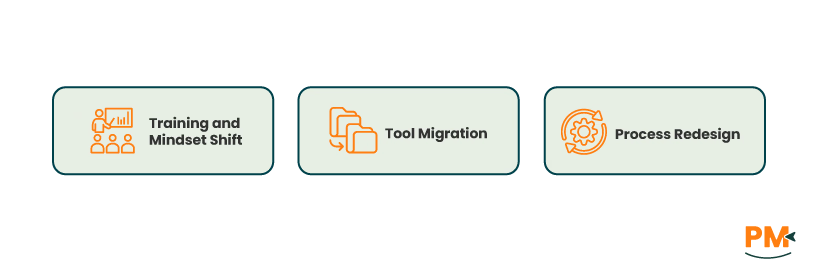
Shifting from one project management type to another—such as moving from Waterfall to Agile or adopting a Hybrid workflow—can bring significant benefits but also requires careful planning.
Key Considerations:
- Training and Mindset Shift: Teams often need training to understand new principles, especially when moving from a linear Waterfall model to the more flexible, iterative Agile method. Encouraging a culture of collaboration and adaptability is essential
- Tool Migration: Switching or integrating tools can be complex. Data migration, compatibility, and learning new software features can slow down initial productivity. Choosing platforms that support multiple methodologies can ease this transition
- Process Redesign: Existing workflows and documentation processes may need redesigning to align with the new approach. This includes redefining roles, communication patterns, and delivery cycles to suit Agile sprints or hybrid phases
Despite challenges, transitioning offers opportunities for improved flexibility, faster feedback, and better alignment with evolving project needs. Taking a phased approach and involving the entire team can help ensure a smoother changeover and long-term success.
What’s the difference between Waterfall and Agile project software?
Waterfall software follows a linear, step-by-step process with fixed phases and timelines, ideal for projects with clear requirements. Agile software supports iterative work cycles, flexible planning, and continuous feedback, suited for projects that evolve frequently.
Can I blend Agile and Waterfall in one tool?
Yes, many modern project management tools support both Agile and Waterfall methodologies, allowing teams to use a hybrid approach that combines structured planning with flexible execution in a single platform.
Is Hybrid project management suitable for remote teams?
Absolutely. Hybrid project management offers the balance of planning and adaptability, making it effective for remote teams that need clear goals but also flexibility to collaborate and adjust workflows across locations.
Which PM type works best for small businesses?
Small businesses often benefit from Agile tools due to their flexibility and ease of use, but Waterfall can be effective for simple projects with fixed scopes. Hybrid tools offer versatility if your projects vary in complexity.
Can I switch between project management methods later?
Yes, many teams evolve their processes over time and switch or combine methodologies as their needs change. Using flexible tools can make transitioning between Waterfall, Agile, and Hybrid smoother.